
Help Centre › Money
Counter sales
Selling food, parasite control and accessories over the counter, to somebody standing in front of you.
A sale is a counter transaction that is not tied to a consultation: a bag of food, a tick collar, a repeat of a prescription diet. It charges the client's account and draws stock down just as a visit does.
Making a sale#
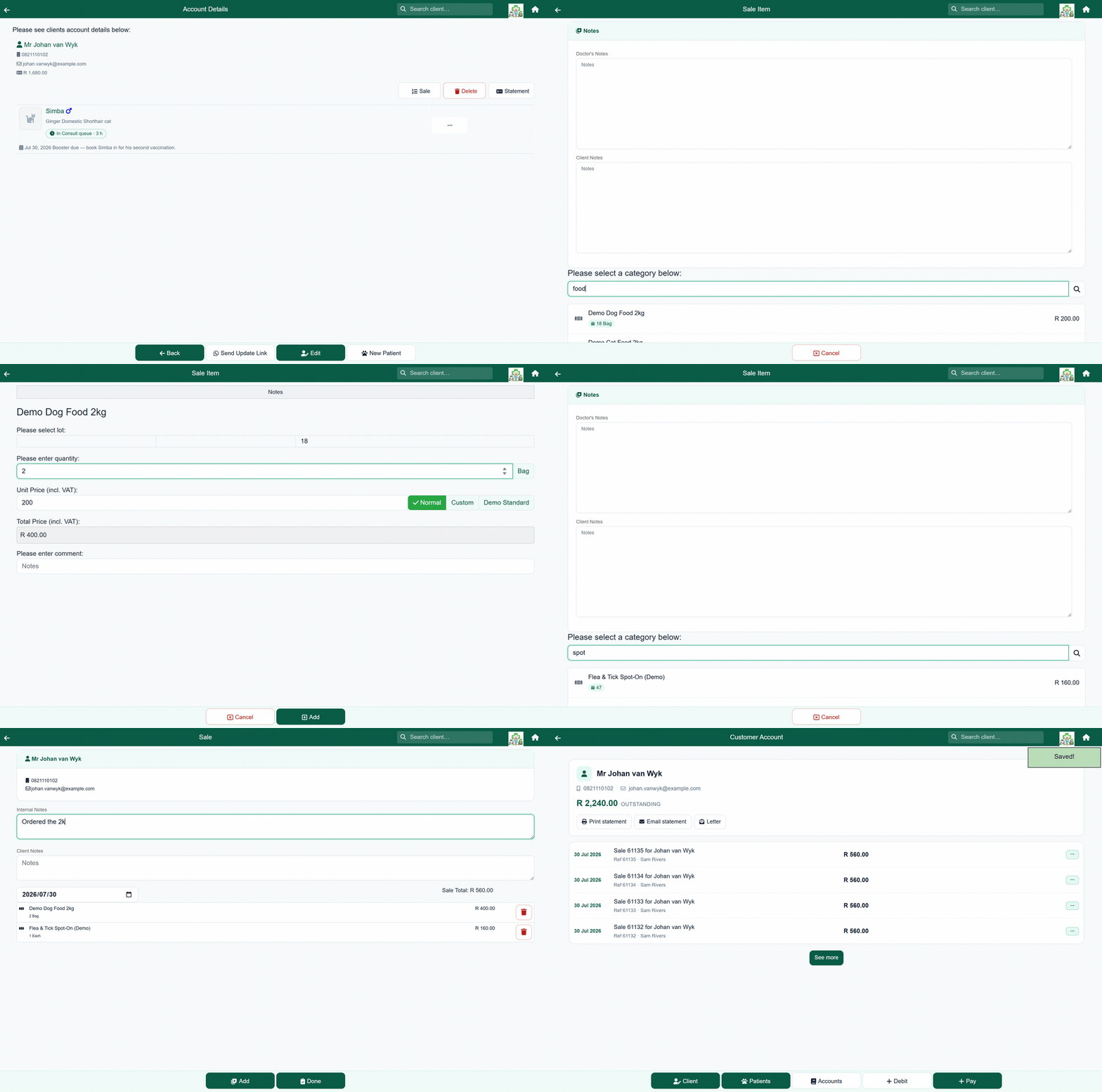
- Find the client (the header search box is quickest) and open them.
- Press Sale.
- Press Add and search for the product.
- Set the quantity, check the price, and press Add.
- Repeat for anything else, then press Done to finish the sale.
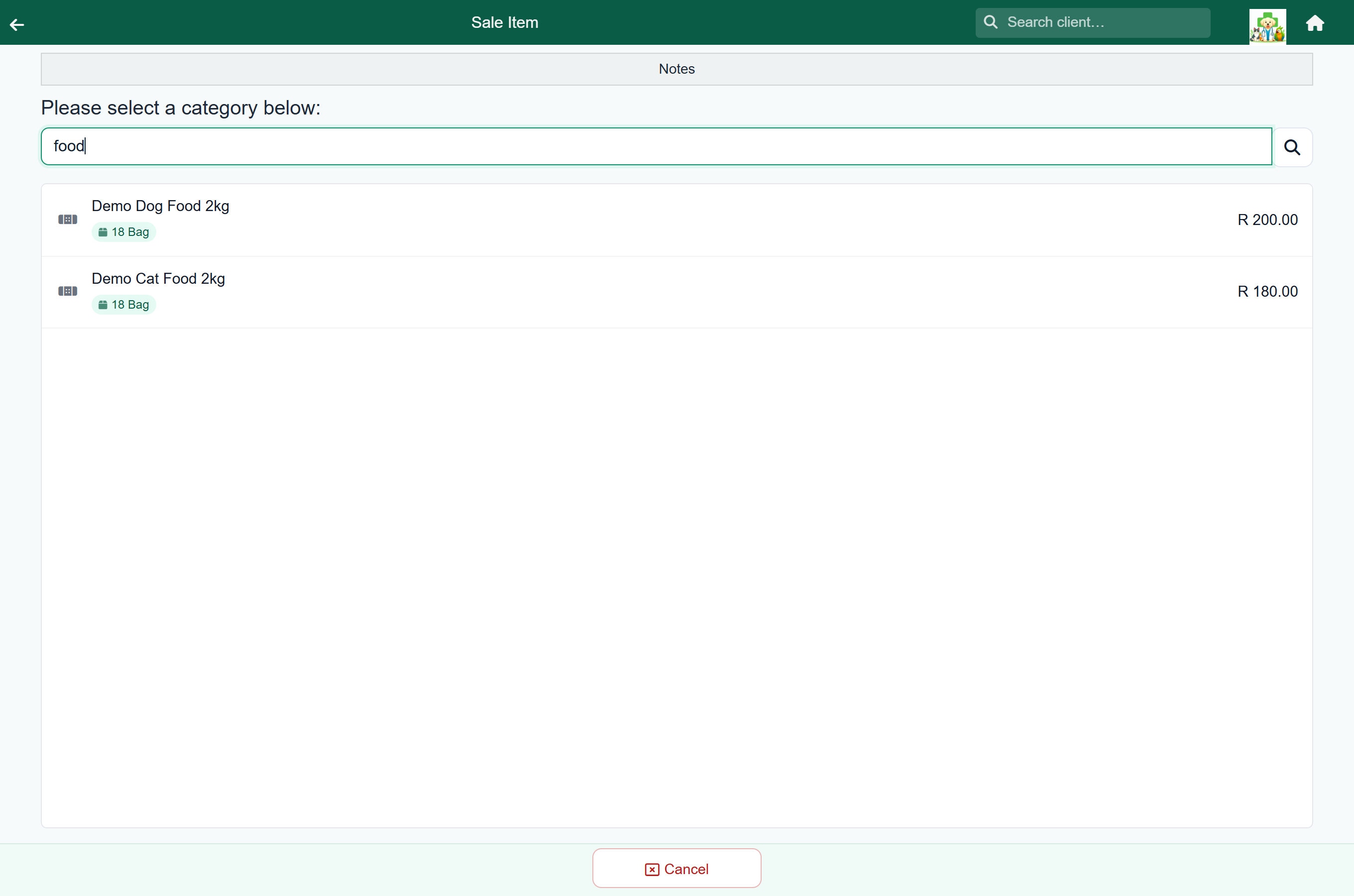
Finding the product. Search rather than browse. The badge under each result shows what is on the shelf.
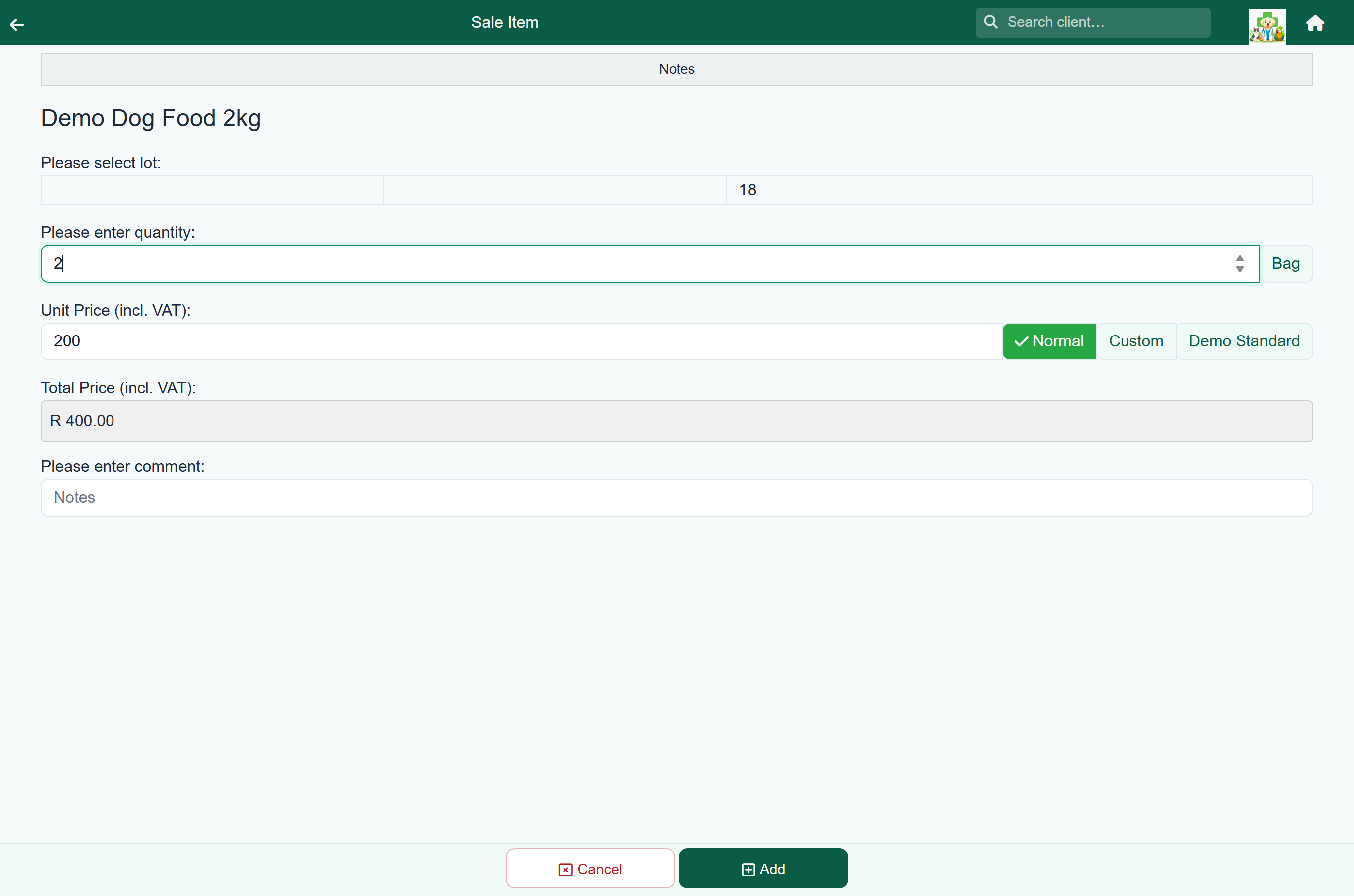
Quantity and price. The unit price comes from your price list. Normal is that price; Custom lets you override it for this line alone, and any other buttons are your price groups. A client on a standing rate has it applied to the line already, and the line says so. The total updates as you change the quantity.
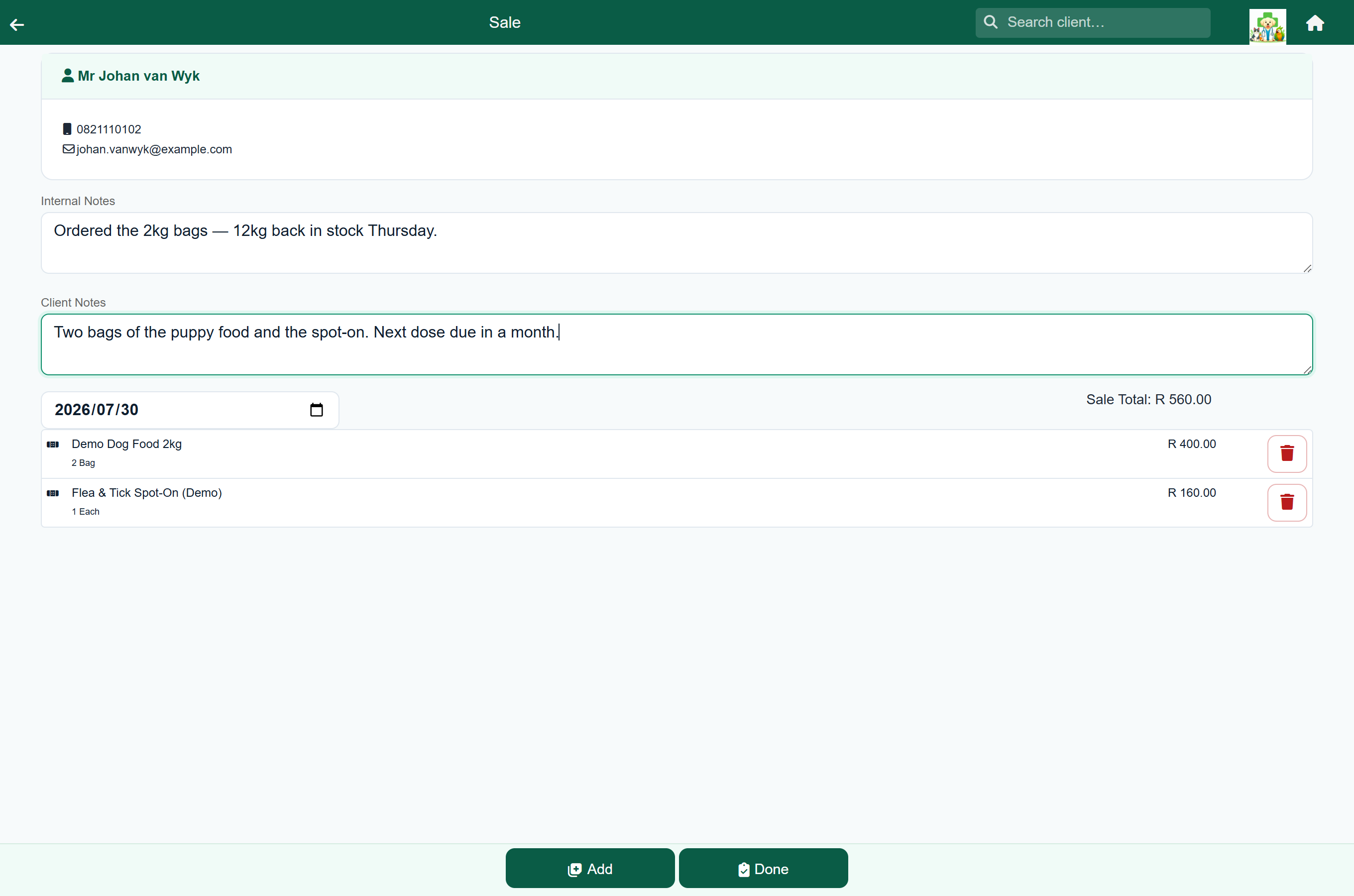
The sale itself. Every line is listed with a running total. Doctor's Notes stay with the sale for staff; Client Notes print on the client's copy.
Finishing the sale posts the total to the client's account, dated today, and puts them on the payment queue. FastVet then shows the Send Invoice screen, where you can send the invoice or go straight to taking payment.
Cash sales#
A cash sale is for somebody at the counter who has no account with you. They pay before they leave, and the sale cannot be finished until they have, which makes it different enough to have a topic of its own: see Cash sales.
What a sale does to stock#
Adding a stocked item to a sale reduces the quantity on hand and records the movement in the item's stock history.
- Items with no stock on hand can still be sold. They are badged Out of stock.
- Items at or below their low-count threshold are badged Low stock, your cue to reorder.
- Services and procedures carry no stock and are unaffected.
Reversing a sale#
Open the client's account, press … on the sale and choose Reverse. The original entry is marked reversed, a matching credit is added, and the stock on the sale is put back automatically. See Reversing a charge.
Finding a past sale or invoice#
Home›Search Client›Customer Invoice
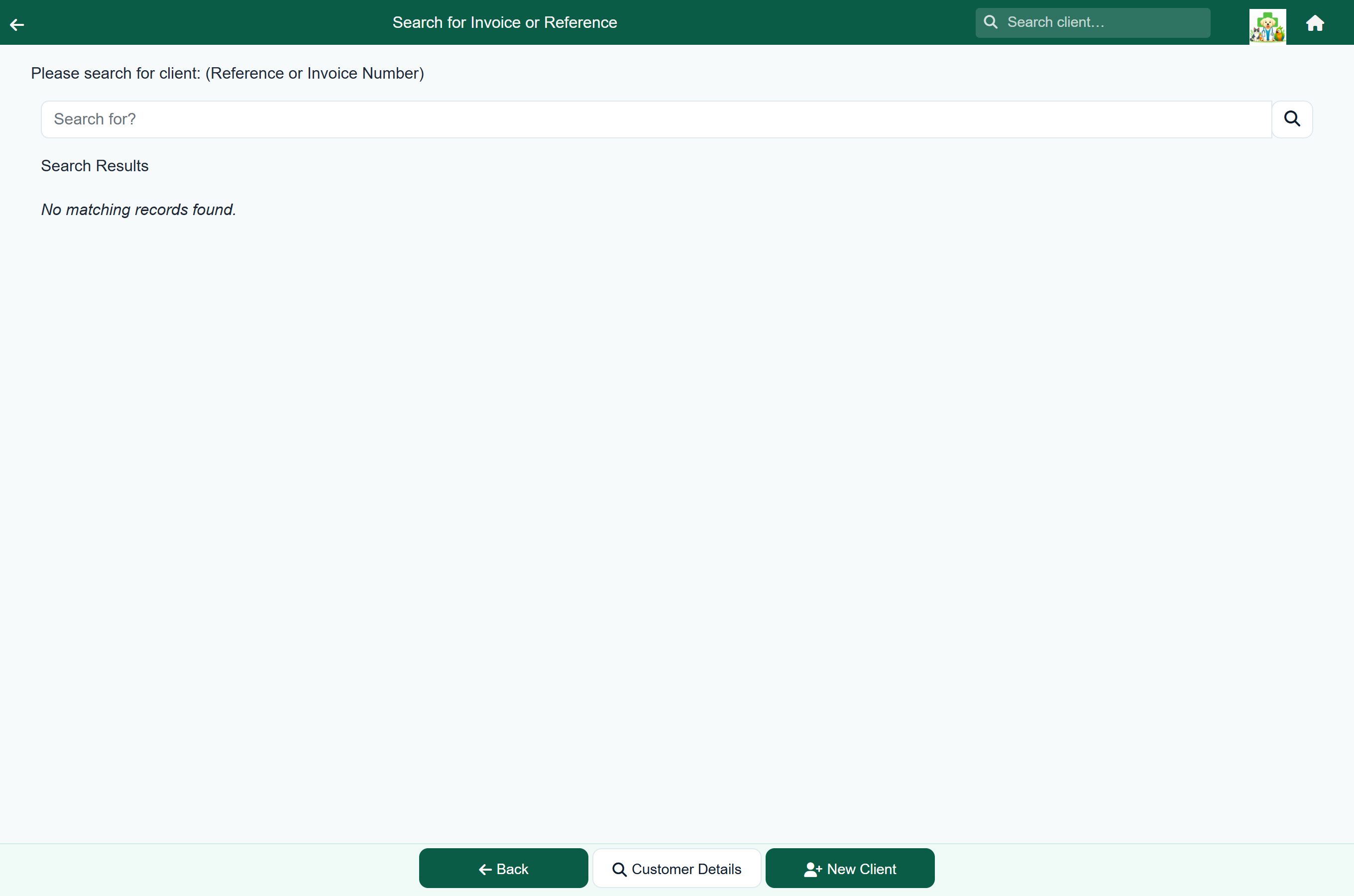
If a client asks about an invoice they have in front of them, search by its invoice or reference number here rather than looking through their history.