
Help Centre › Hospital & boarding
Boarding
Check animals into boarding, keep a daily record of their stay, move them between runs, and check them out onto an invoice.
Boarding works like a hospital admission: a stay made up of daily records, invoiced once at checkout. The difference is that each boarder is assigned a location (a run, kennel or cattery pen).
Checking a boarder in#
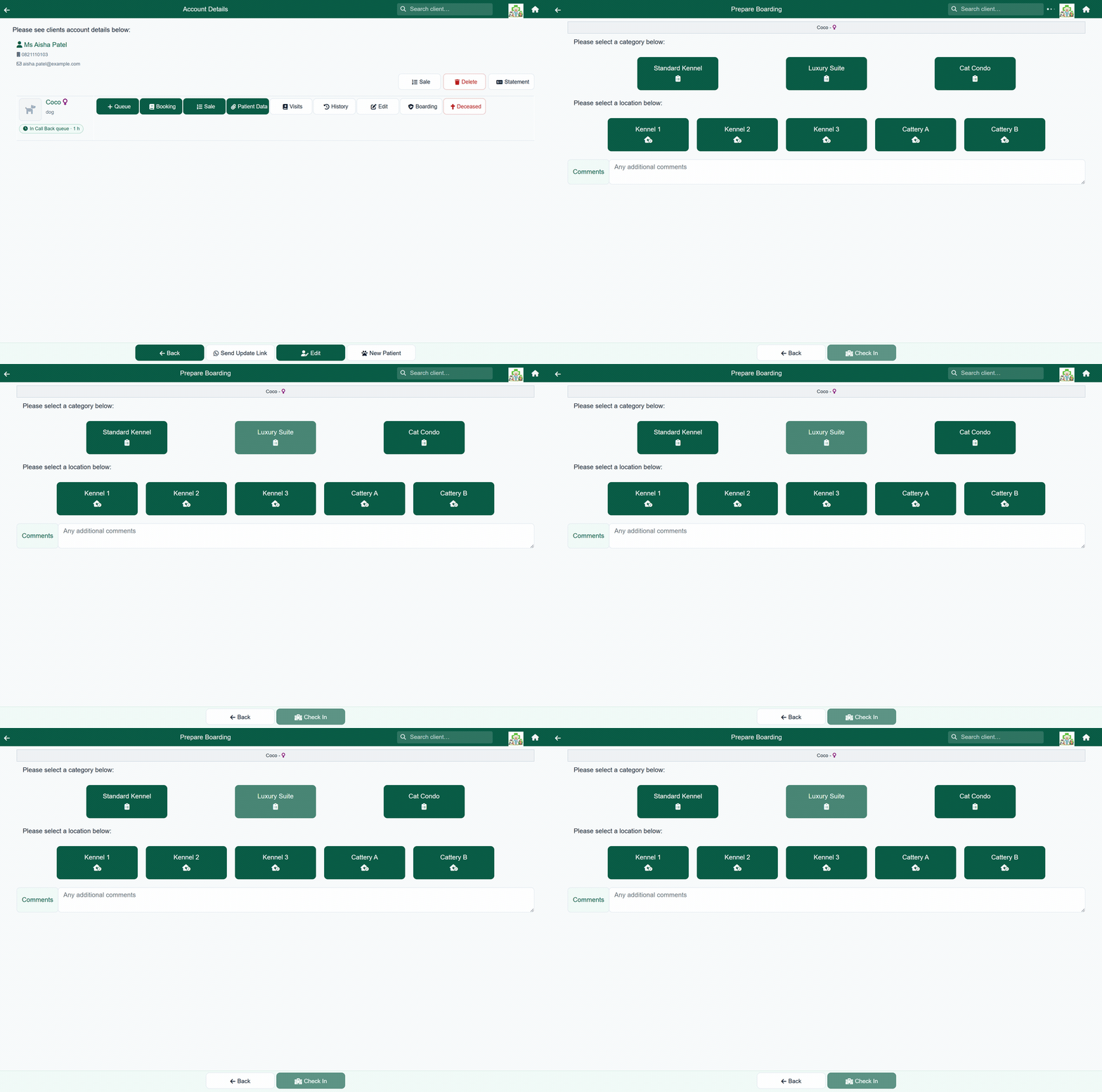
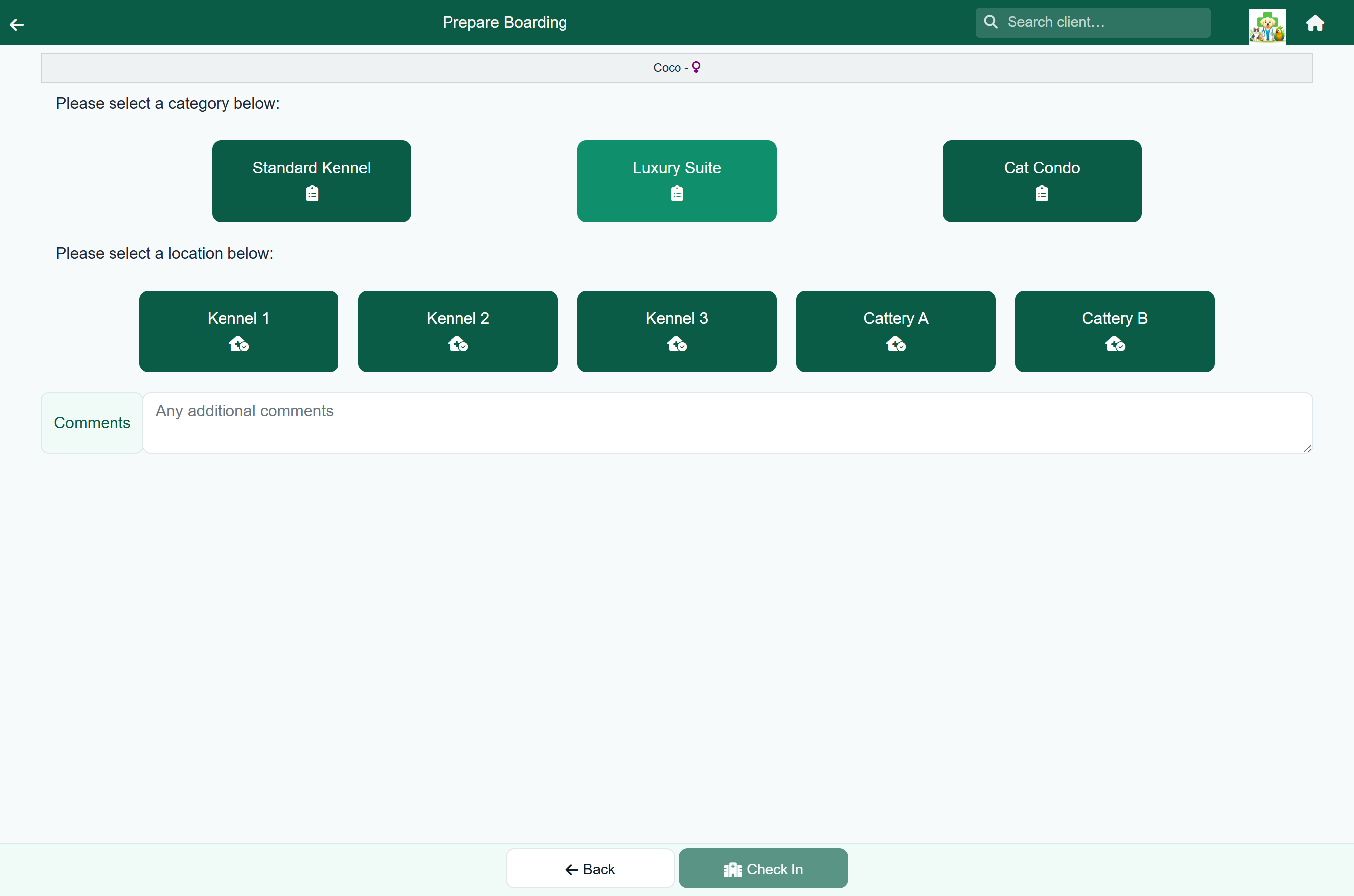
- Open the client's account and press Boarding on the patient.
- Choose a category (your practice's boarding descriptions).
- Choose the location the animal will occupy.
- Add any comments, and press Check In.
The first day record opens straight away, and the animal appears on the boarding list.
The boarding list#
Home›Boarding
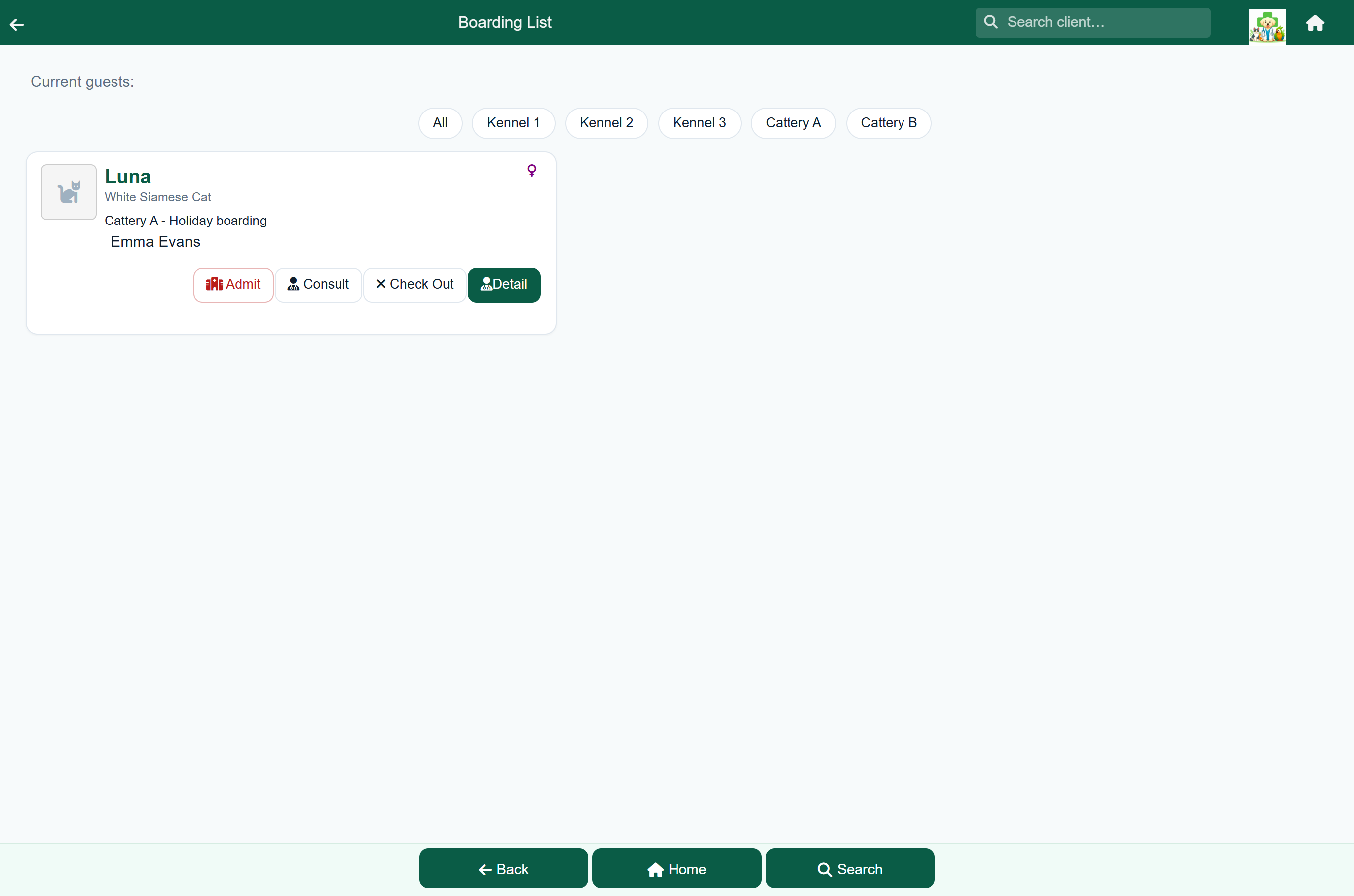
Every animal in your care, with its location, category and owner. Use the location buttons along the top to show one location, or All. Press Detail to open a stay.
From a card you can also start a Consult, and doctors can Admit a boarder to hospital.
The daily record#
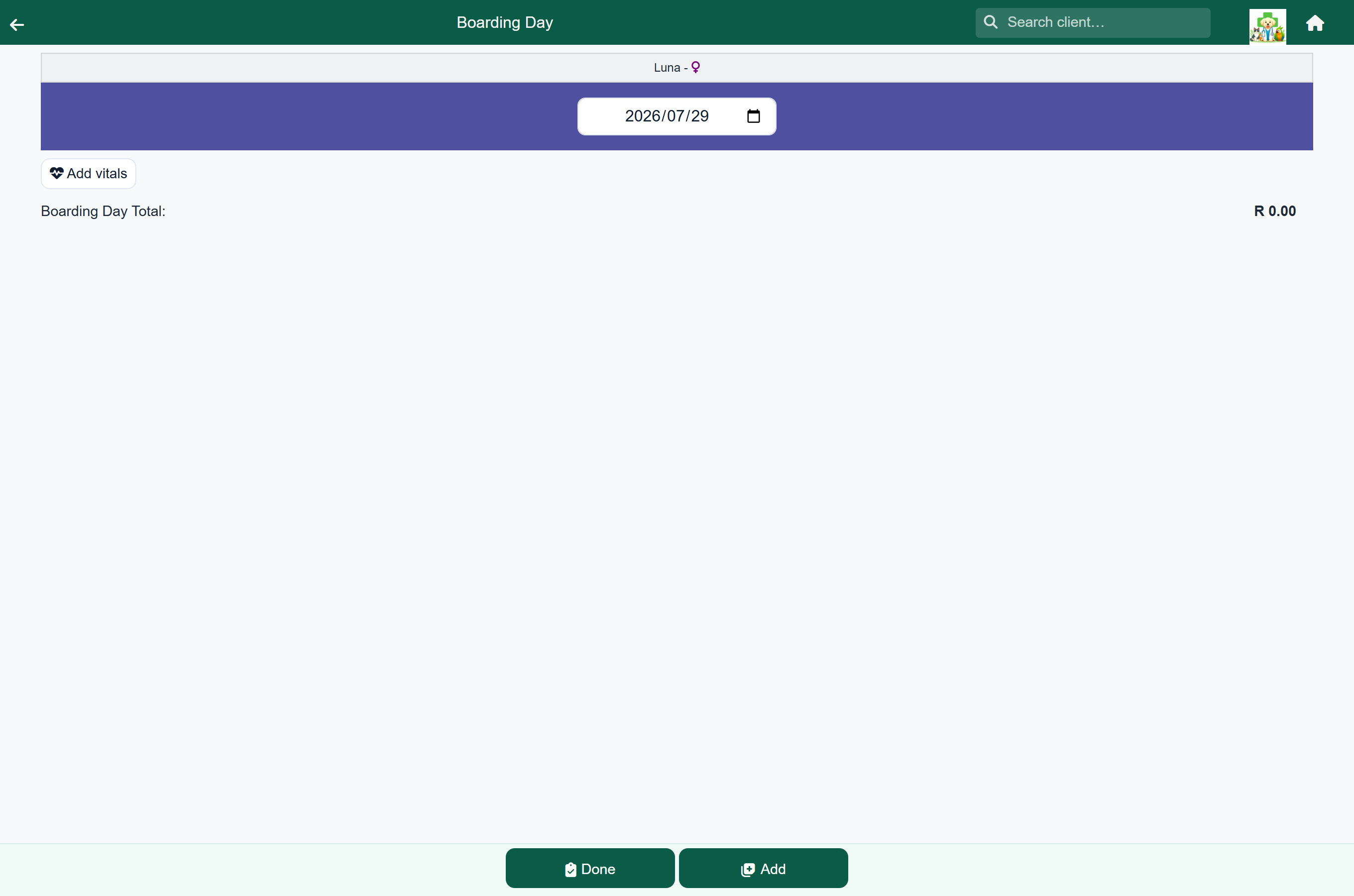
Each day of the stay has its own record, just like a hospital day:
| Section | What you record |
|---|---|
| Date | The day this record covers, at the top. |
| Vitals | Where the animal is on medication or being monitored. |
| Items | Anything chargeable: medication given, consumables, a bath or a nail trim. |
Notes on how the animal is doing go in the stay's notes, on the stay summary.
Add each day as it starts with Add Day at the bottom of the stay summary. Nothing is invoiced until checkout.
Treating vet, under the heading on the stay summary, is the vet the stay's work belongs to. It starts as whoever checked the animal in; you can change it at any time, including after checkout, and it saves as soon as you pick.
Moving between locations#
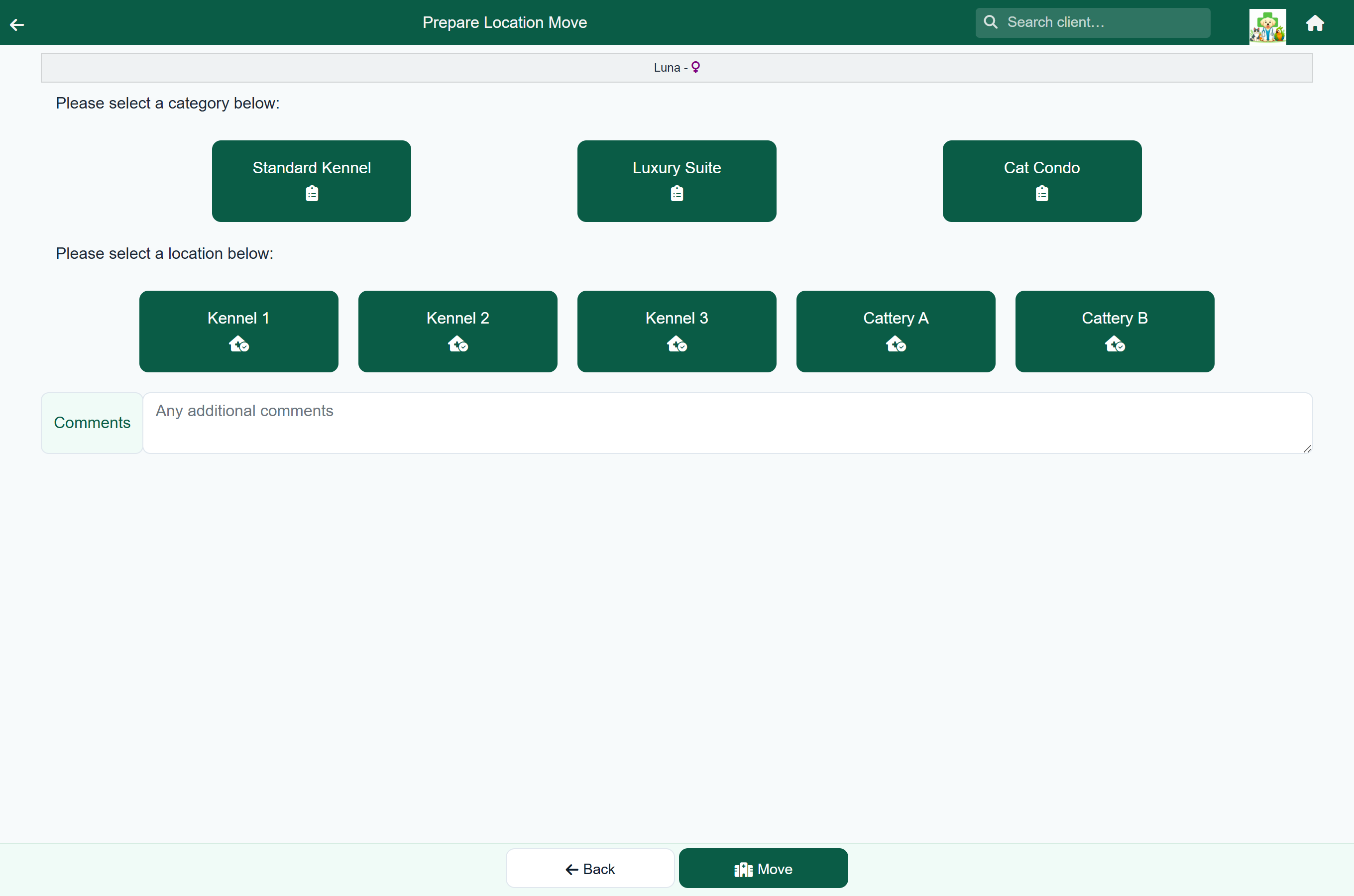
To move an animal, press Move in the footer of the stay, choose the new location (and category, if it has changed), and press Move. The boarding list then shows where it is.
Checking out#
- Open the stay and review its summary.
- Press Check Out in the footer.
- The invoice opens, ready to share with the client.
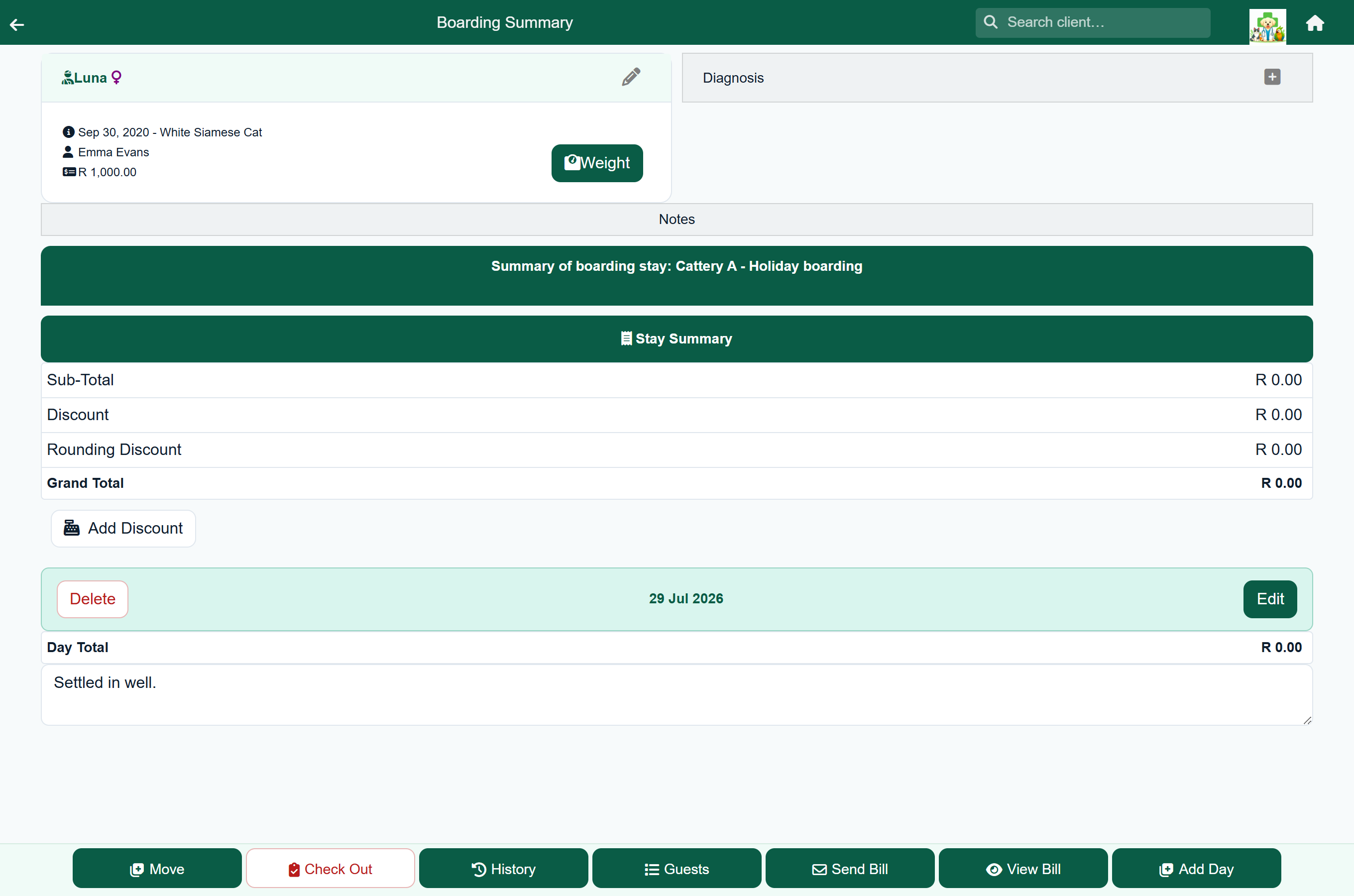
Checkout closes the stay, totals every day into one charge on the client's account, and puts the client on the payment queue.
The stay summary has the same buttons as a hospital stay: Add Reminder, Text Owner, View Bill, Send Bill and Add Day. A stay-wide discount works as it does for hospital stays. The footer holds Check Out, Move, History and Guests (back to the boarding list).
The Check Out button on a boarding list card checks the stay out and posts the charge straight away, without opening the stay or asking you to confirm.
Setting up locations and descriptions#
Before you can board anything, an administrator sets up the places animals can go and the categories of stay.
Home›Settings›Boarding Locations
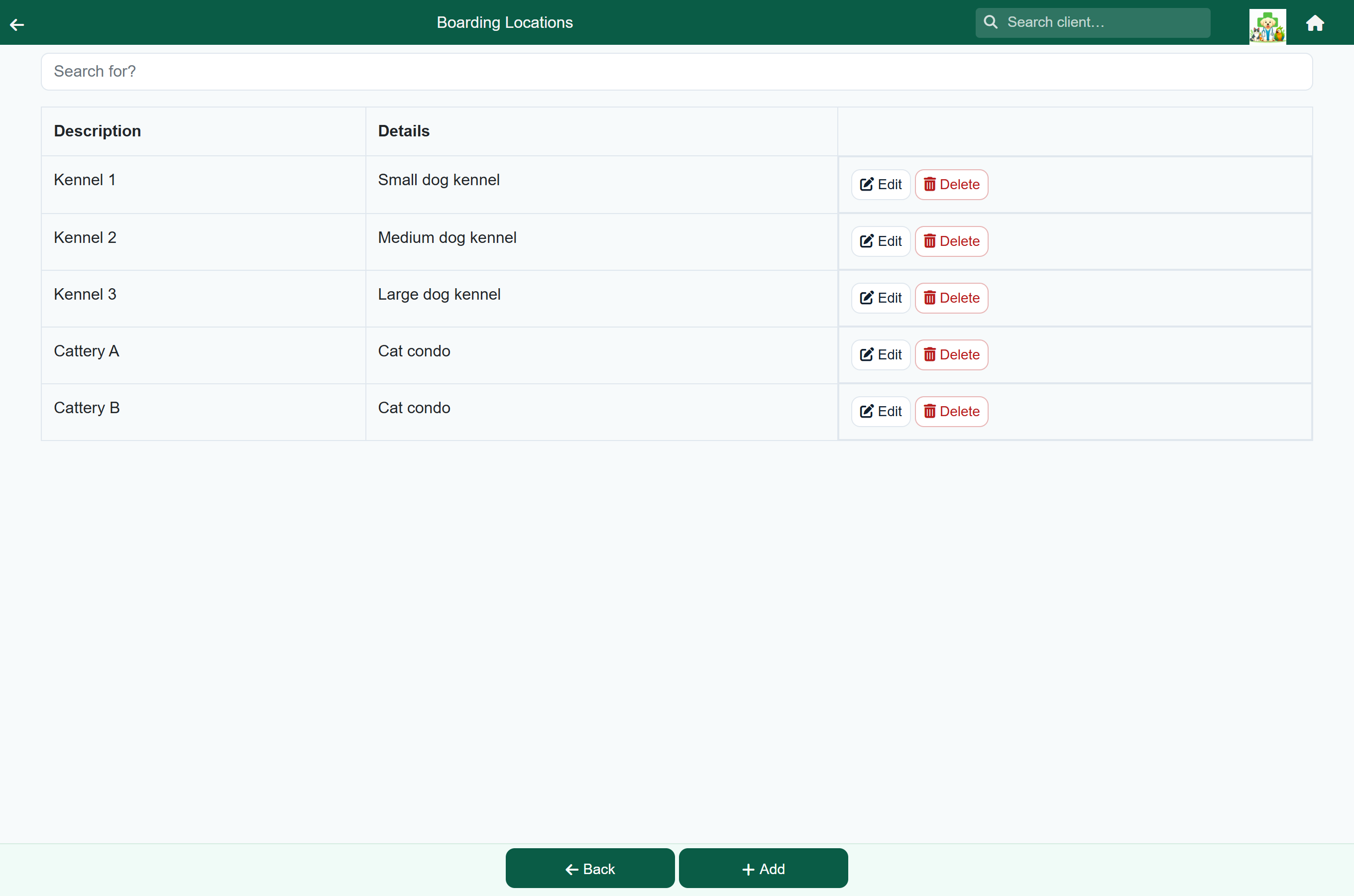
- Boarding locations are the physical spaces: “Kennel 1”, “Cattery A”, “Isolation”.
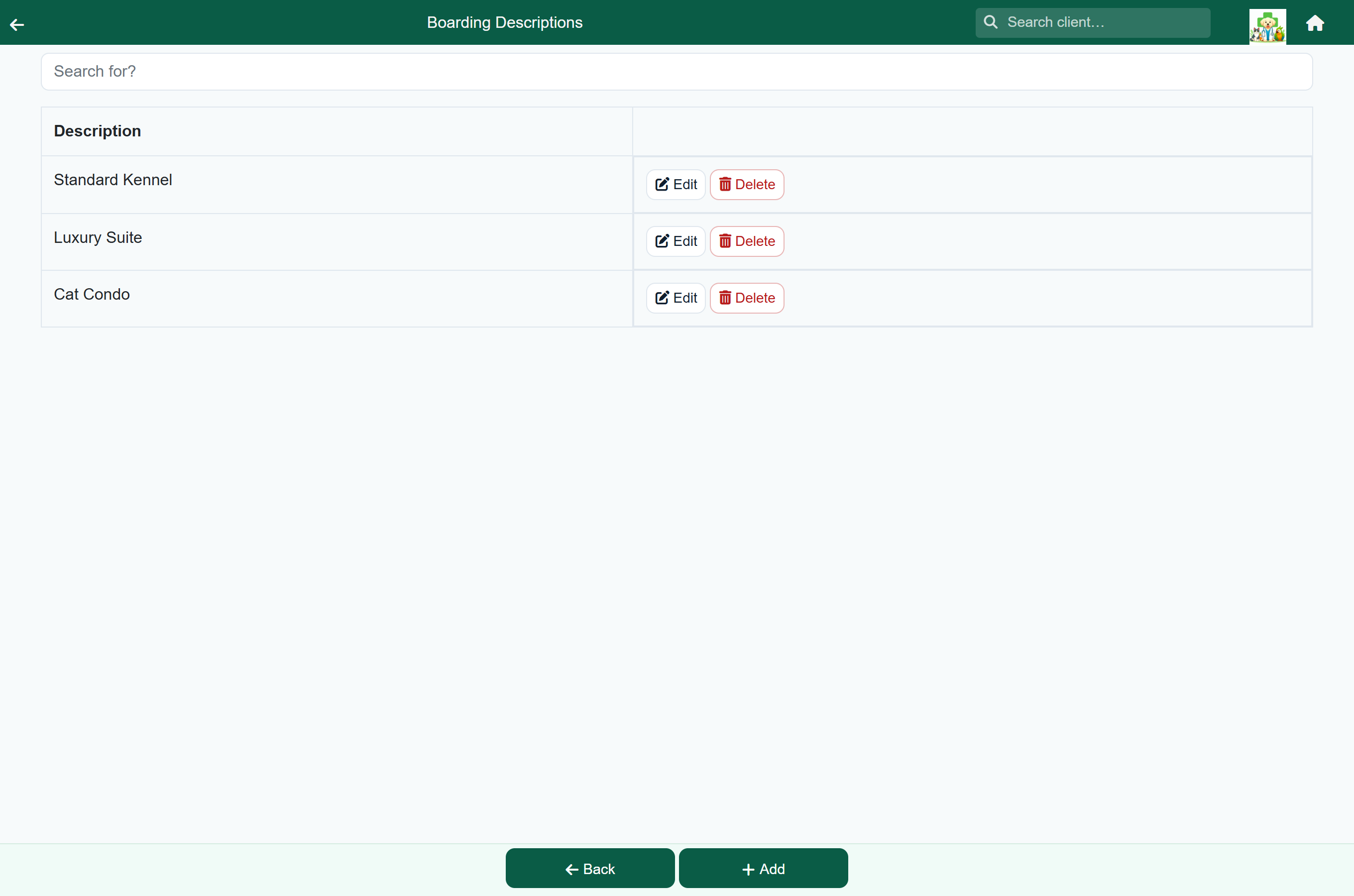
- Boarding descriptions are the categories you choose from when checking an animal in.