
Help Centre › Money
Loyalty programme
Reward regular clients with points earned on what they spend, and record the points they use.
The loyalty programme is optional. If your practice runs one, clients earn points automatically as they spend, and you record the points they use.
Setting the programme up#
Who can do this
Administrators only.
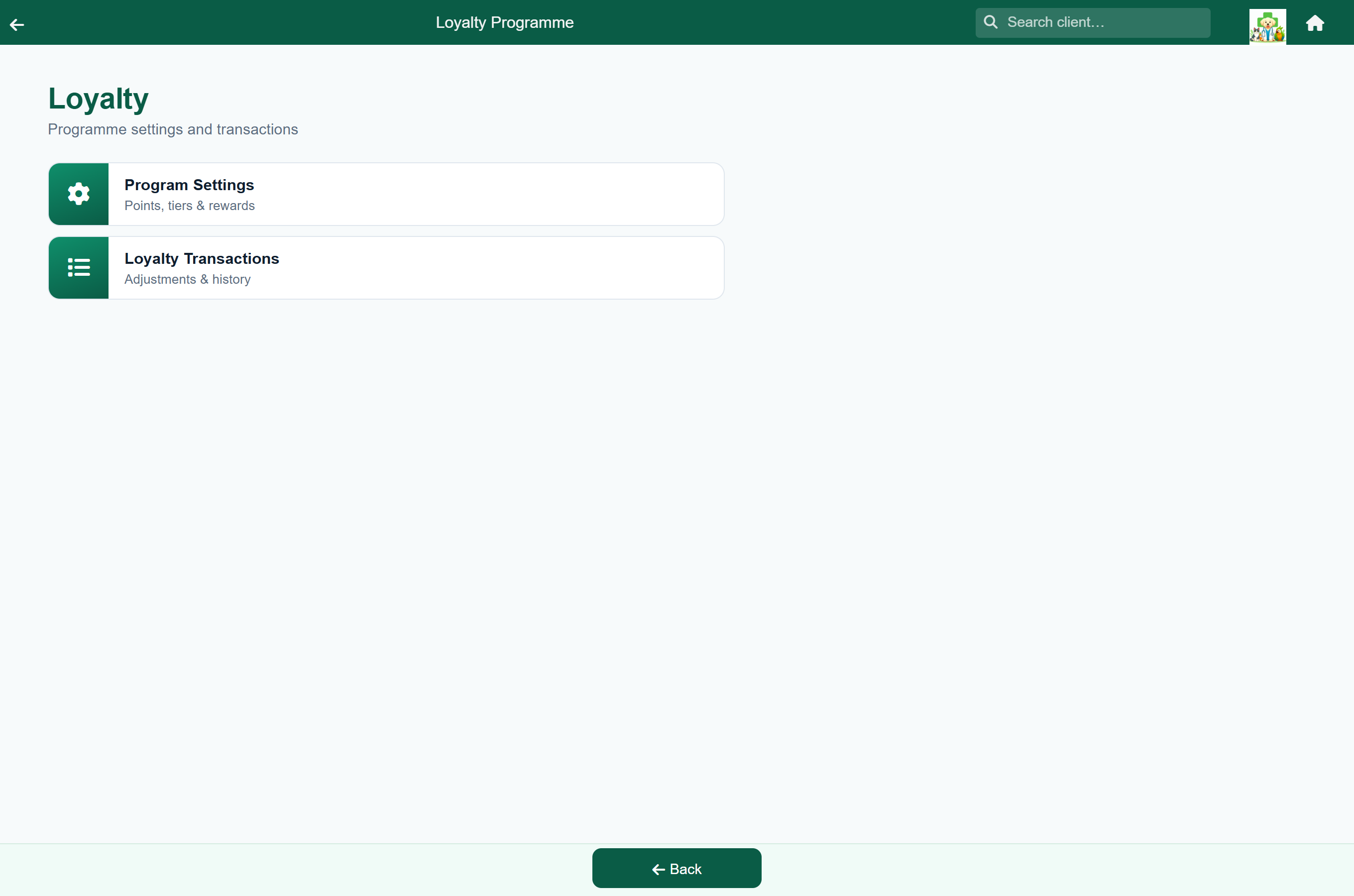
Home›Settings›Loyalty›Program Settings
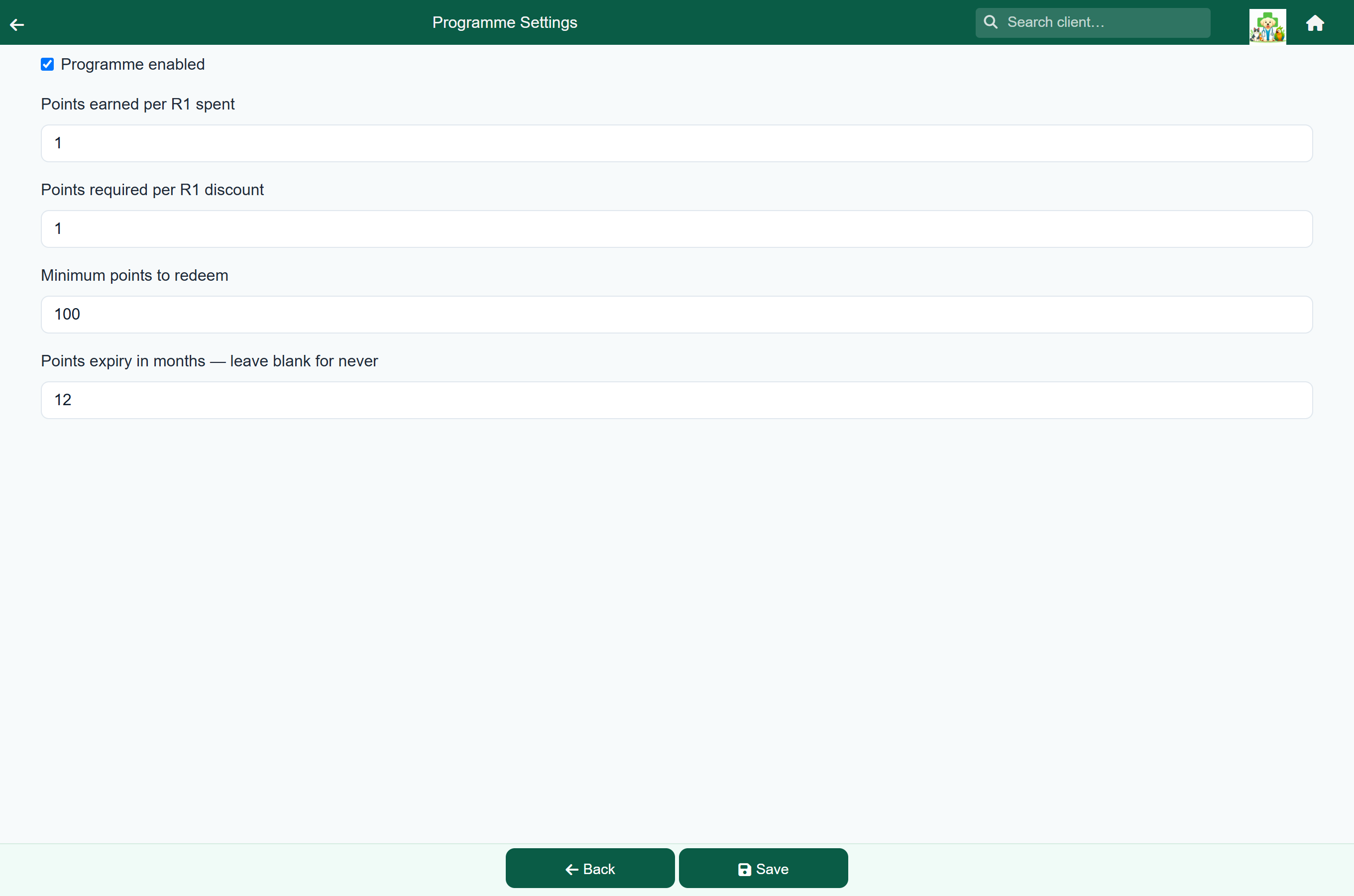
- Tick Programme enabled.
- Set Points earned per R1 spent: how fast clients earn.
- Set Points required per R1 discount and Minimum points to redeem: your practice's rules for using points.
- Save.
Note
The Loyalty tile only appears on the Settings menu once the programme is switched on under Features & Modules.
Note
Turning the programme off stops clients earning points. Points already earned are kept.
Earning points#
Points are added automatically when a client is charged for a consultation, sale, hospital or boarding stay, or groom.
Points history#
Home›Settings›Loyalty›Loyalty Transactions
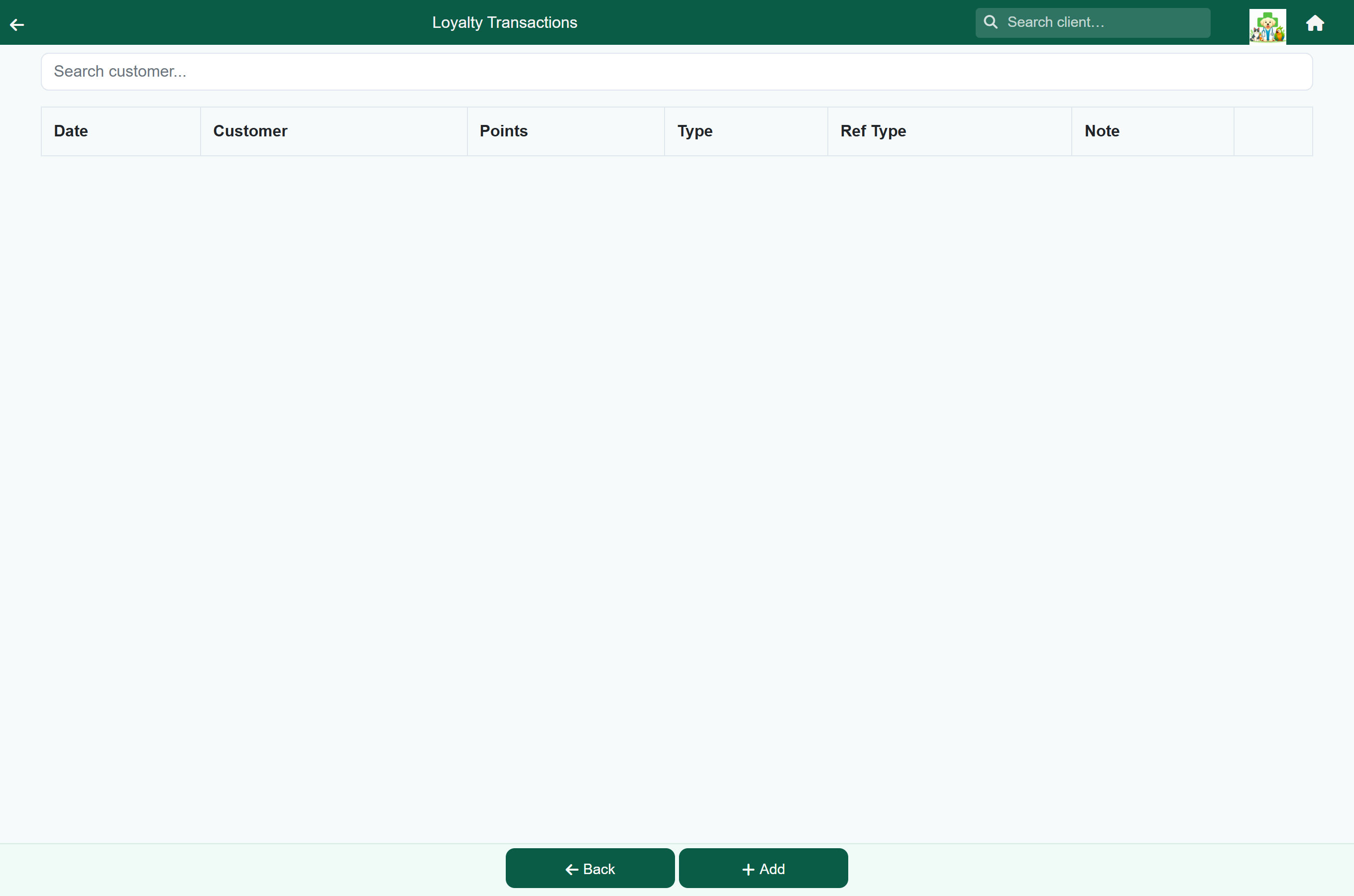
Every earn, redemption and adjustment is listed, newest first, with its date, client, points, type and note. Search by client name to explain a balance.
- To record points a client has used, or to correct a balance, press Add, choose the client, enter the points and choose a Transaction Type such as Redeem or Adjust. Use a negative number to take points away.
- Press the edit button on a row to change a transaction, or the bin to delete it.
Note
Recording a redemption does not change the client's bill. Give the discount on the bill as well.