
Help Centre › Hospital & boarding
Hospital admissions
Admit an in-patient, run a daily record of treatments and observations, and discharge them onto one invoice.
A hospital admission is a stay. It runs from admission to discharge, and inside it sits one day record per day. Everything charged on any day rolls up into a single invoice at discharge.
Admitting a patient#
There are two routes in:
- From the consult queue, press Admit on the patient's card.
- From inside a consultation, press Admit in the footer. Anything already added to the consultation moves onto the first day of the stay. This route belongs to the Doctor: reception does not work the consultation, and admits from the queue card instead.
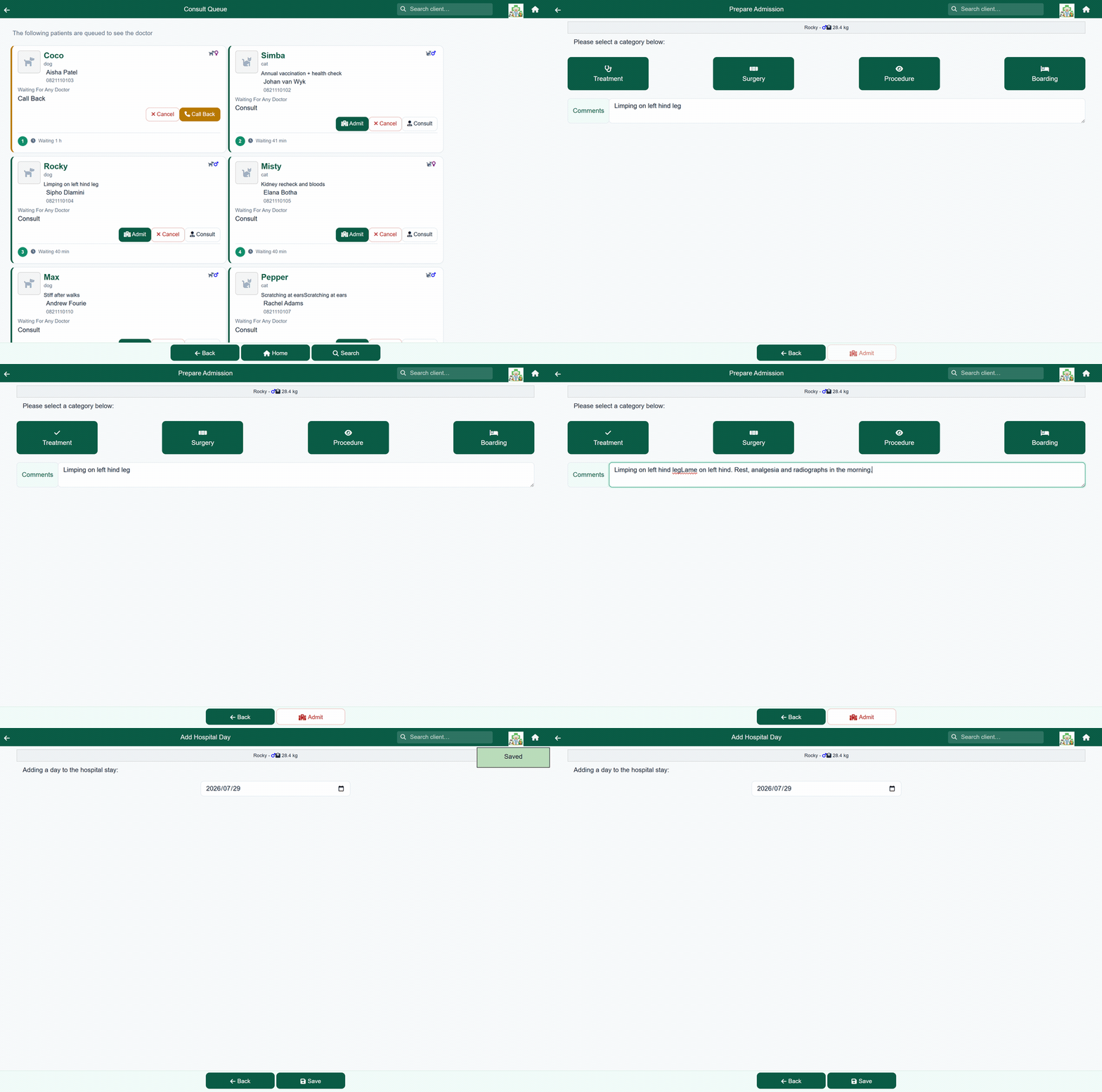
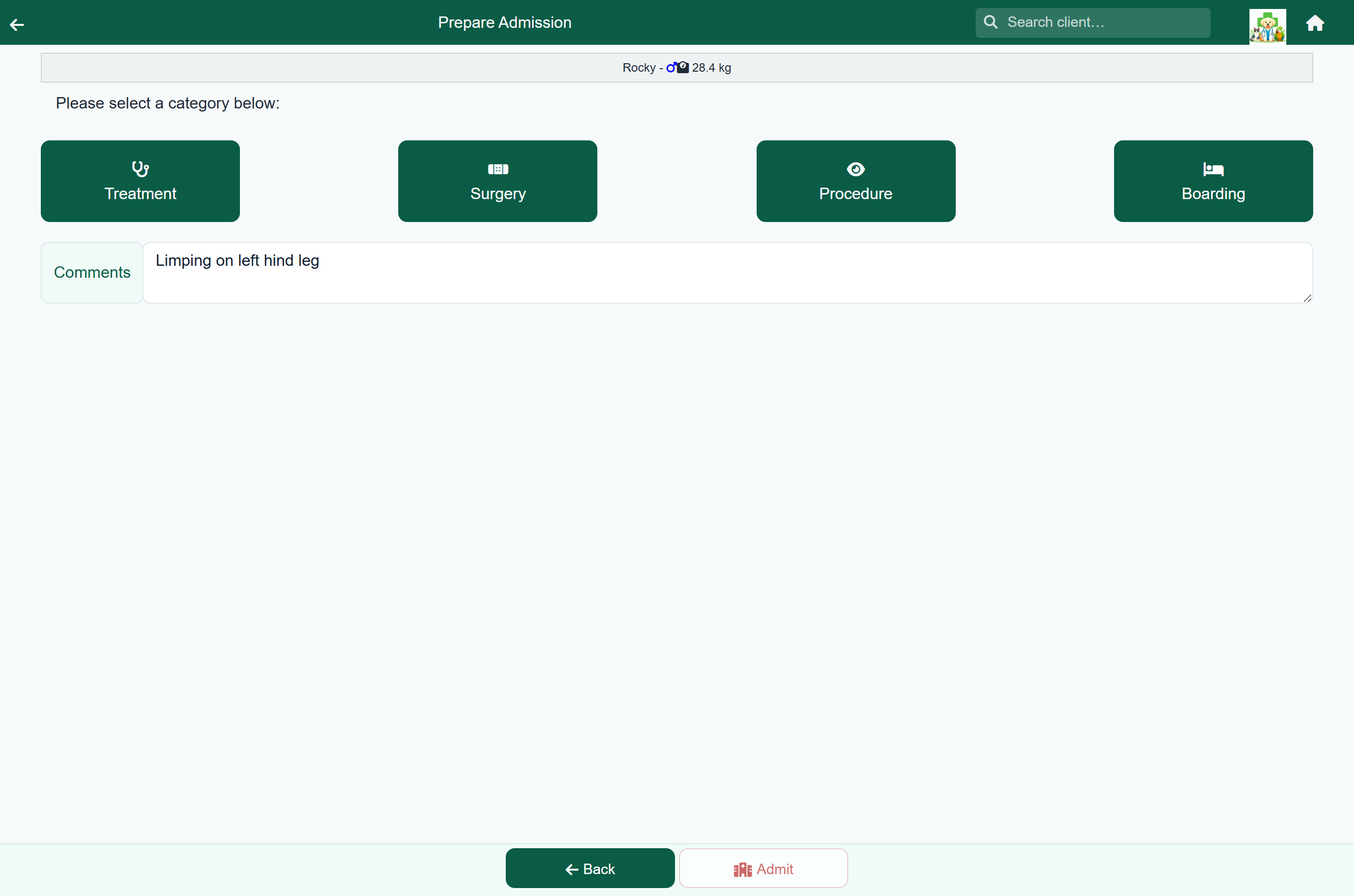
- Check the patient's weight.
- Choose a category: Treatment, Surgery, Procedure or Boarding.
- Add any comments, and press Admit.
The first day record opens straight away, and the patient appears on the Hospital Patients list.
The ward list#
Home›Hospital Patients
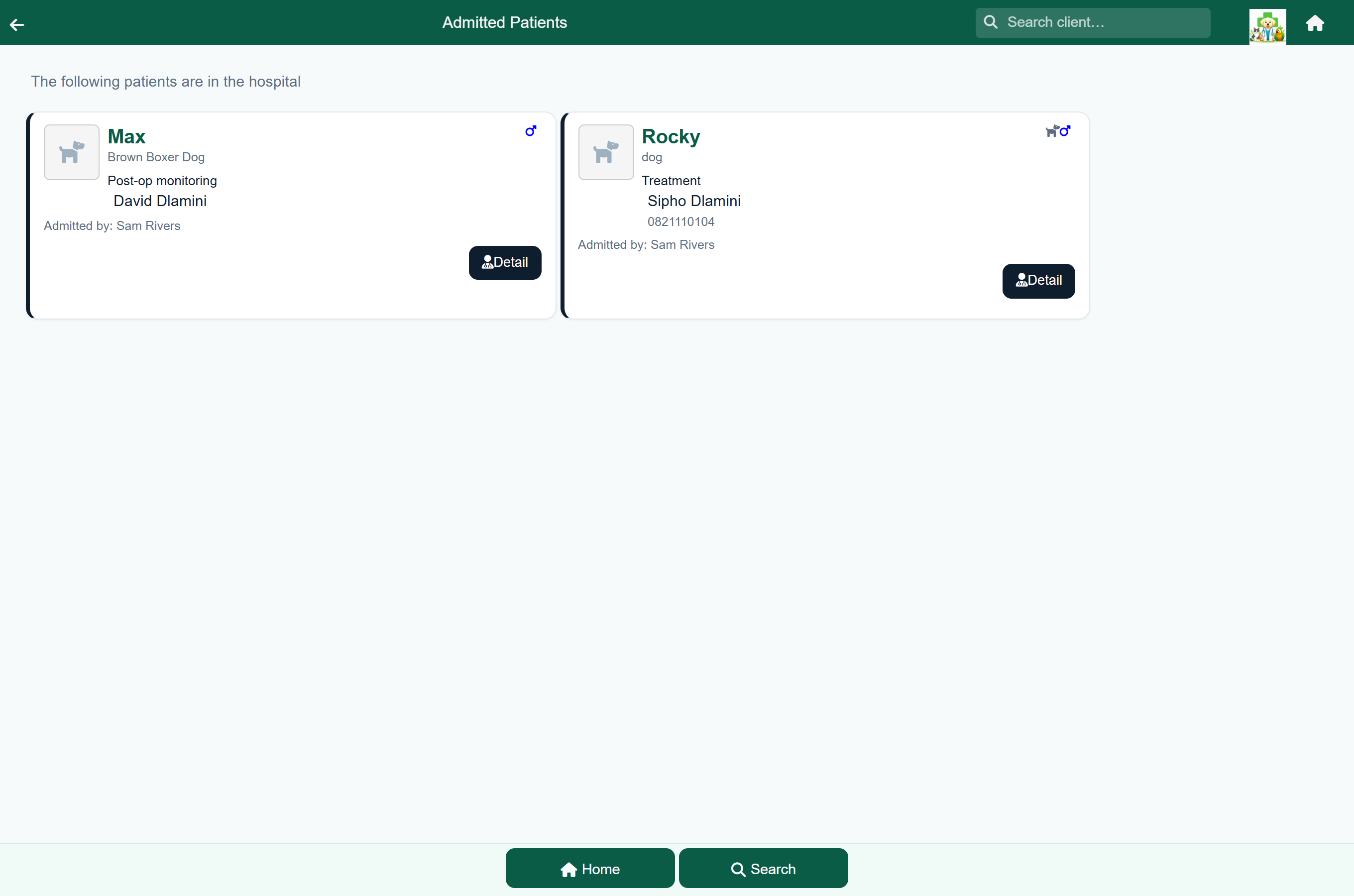
Every admitted animal is listed with the reason for admission, any comments entered when it was admitted, the owner and their phone number, and who admitted it. Tap one to open its stay. Patients a vet has marked ready to go home are listed first, with a green stripe.
The daily record#
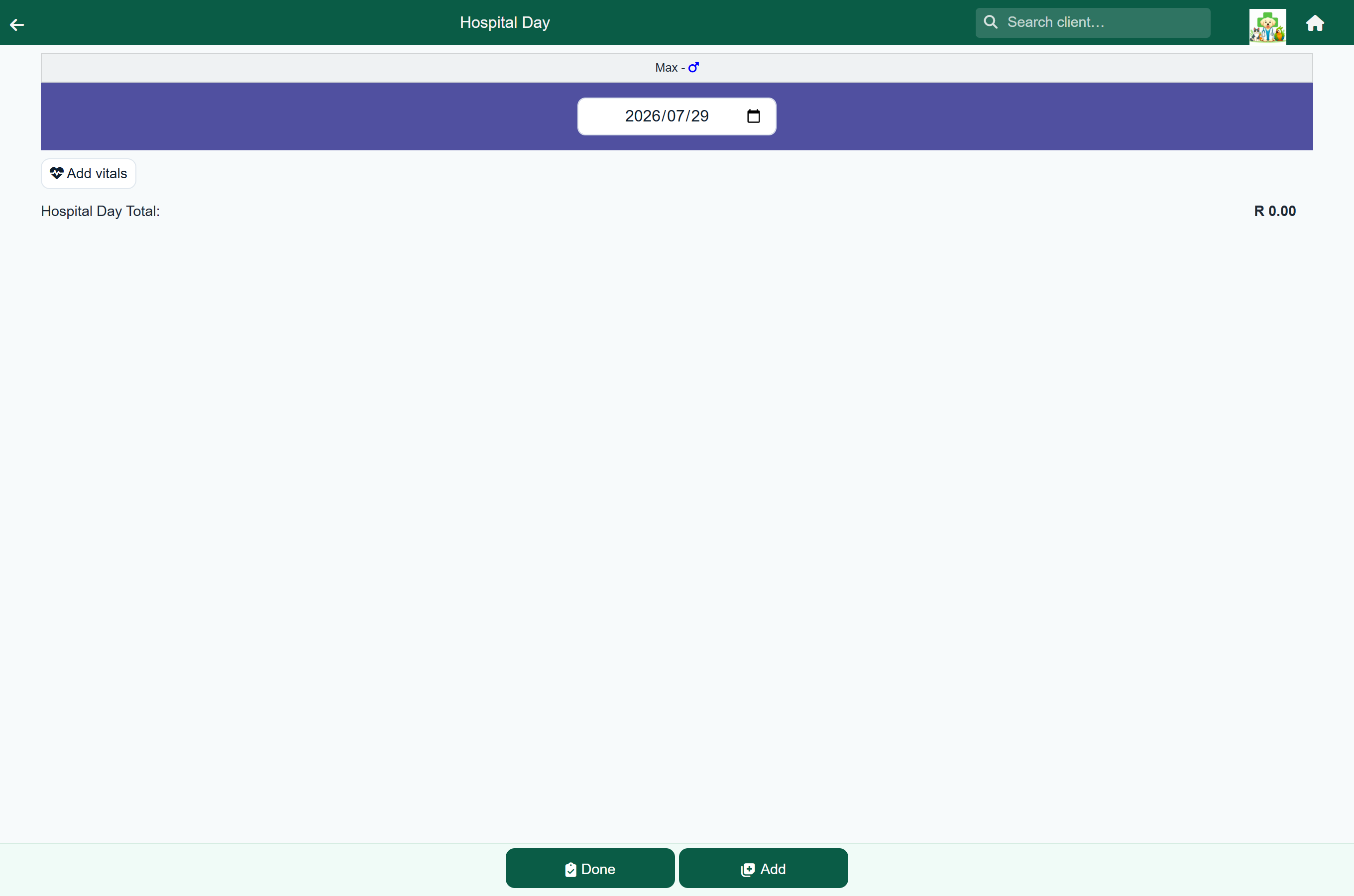
Each day of a stay has its own record, holding everything done for that animal that day.
| Section | What you record |
|---|---|
| Date | The day this record covers, at the top. Change it if you are writing up an earlier day. |
| Vitals | Temperature, pulse, respiration and anything else your practice tracks, as often as you take them. |
| Items | Treatments, materials, procedures, labs and protocols, each charged as you add it, with the day's total above them. |
| Discharge Sheets | Any information sheets added for the owner. |
Items are added as they are in a consultation: press Add, search or browse, and confirm the quantity and price.
The stay's notes (Doctor's Notes and Client Notes) are on the stay summary, not on each day.
Adding the next day#
A stay does not roll over on its own; add each day as it starts.
- Open the admission.
- Press Add Day at the bottom of the list of days. The new day opens straight away.
The new day is dated the day after the last one. Nothing is invoiced until discharge.
The stay summary#
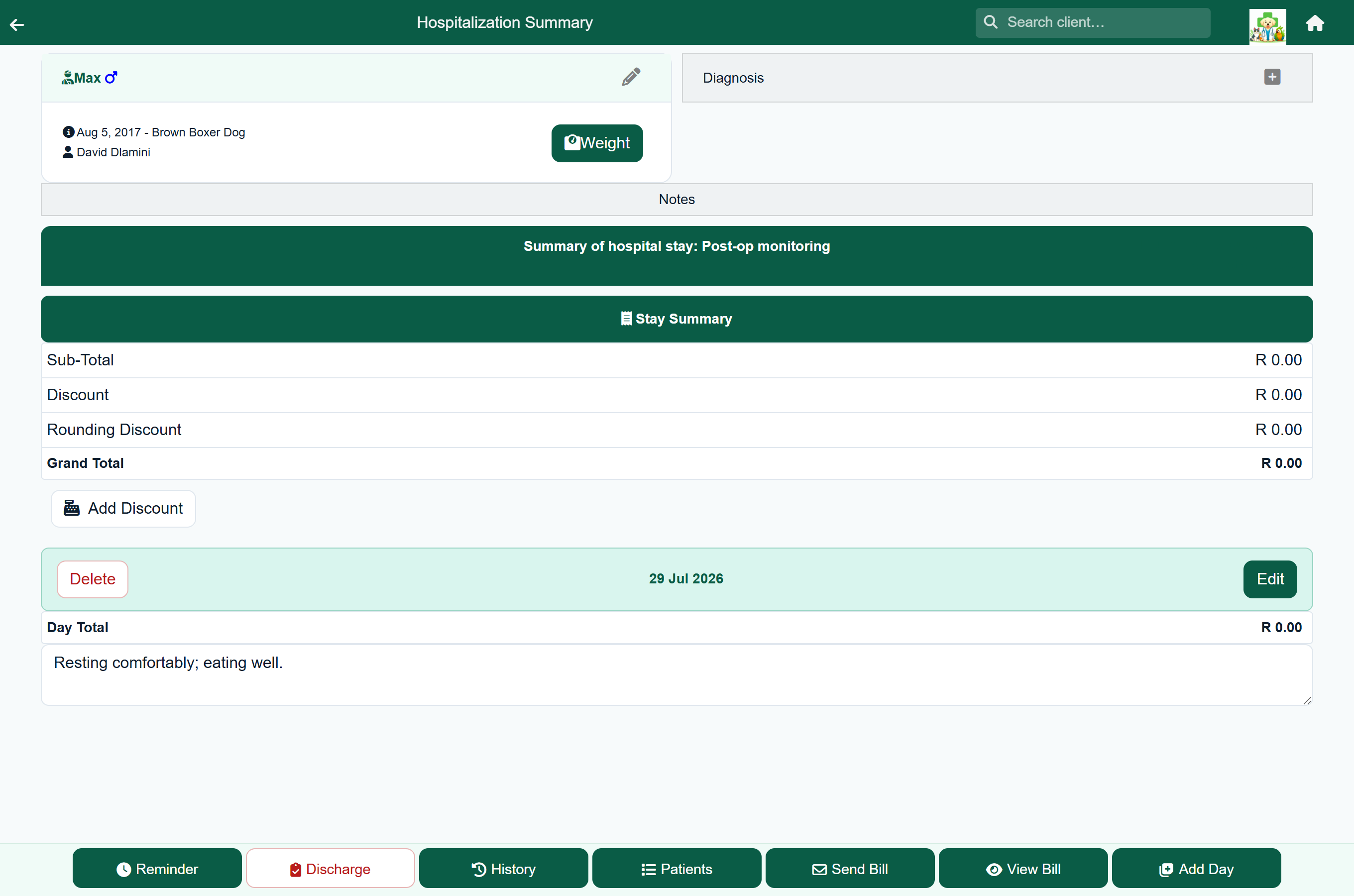
The summary shows the whole admission on one screen: the notes, every day, everything charged, and the total. Check it before discharging.
Treating vet, under the heading, is the vet the stay's work belongs to. It starts as the vet on the consultation that admitted the patient (without one, the doctor the patient was queued for, or whoever admitted it). You can change it at any time, including after discharge; it saves as soon as you pick.
- Add Reminder sets a follow-up, which appears on the follow-up list. Press an existing reminder to change it, or the bin to remove it.
- Text Owner sends the owner a text message, if your practice has SMS switched on.
- View Bill opens the invoice as it stands.
- Send Bill emails it to the client before discharge.
- Add Day, at the bottom, starts the next day.
The footer holds Discharge, History (the patient's clinical history) and Patients (back to the ward list).
Ready to go home#
When the vet decides a patient can go, they say so in the app instead of finding someone at the front desk. Reception then contact the owner and discharge as usual.

- On the stay summary, press Ready to go home, beside Treating vet.
- Add a note for reception if there is anything to hand over, for example "Meds at the front desk", and press Ok. The note is optional.

The patient moves to the top of the ward list with a green stripe and a line showing the time, the vet and the note. The ward list refreshes itself every 30 seconds, so reception see it without reloading.
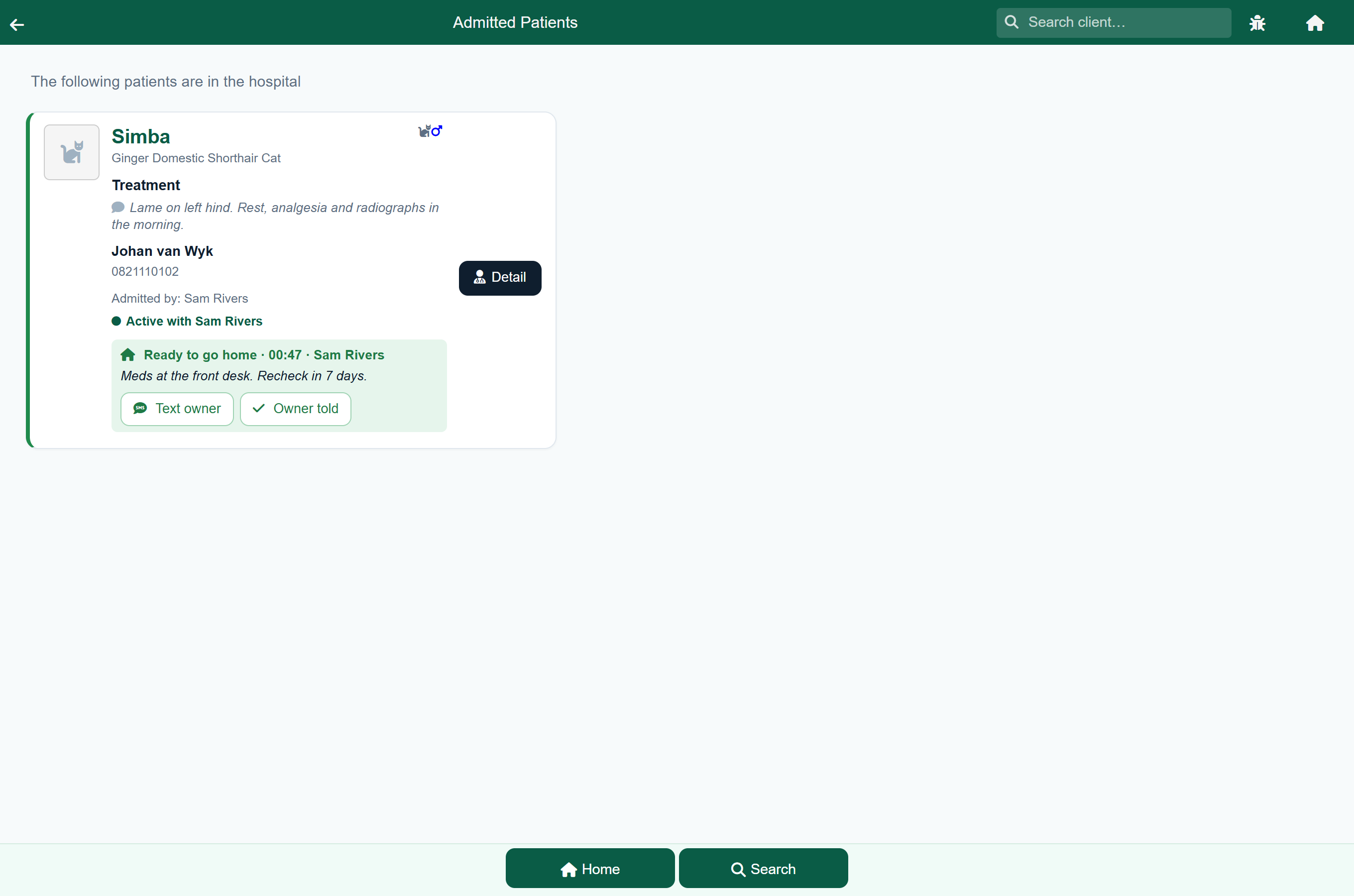
- Text owner opens a text with the Ready to collect wording filled in, if your practice has SMS switched on. Sending it marks the owner as told.
- Owner told is for when you phoned, sent a WhatsApp, or the owner was already there.
Once the owner has been told, the card shows who told them and when. If the vet changes their mind, Not ready on the stay summary takes the mark off again.
Discounting a stay#
A discount applies to the whole stay total, not to individual lines.
- On the stay summary, press Add Discount.
- Choose % for a percentage of the total, or the currency button for a flat amount.
- Enter the figure and apply it. The discount appears as its own line above the total.
Once a stay has a discount the button becomes Edit Discount, with Remove Discount beside it.
Discharging#
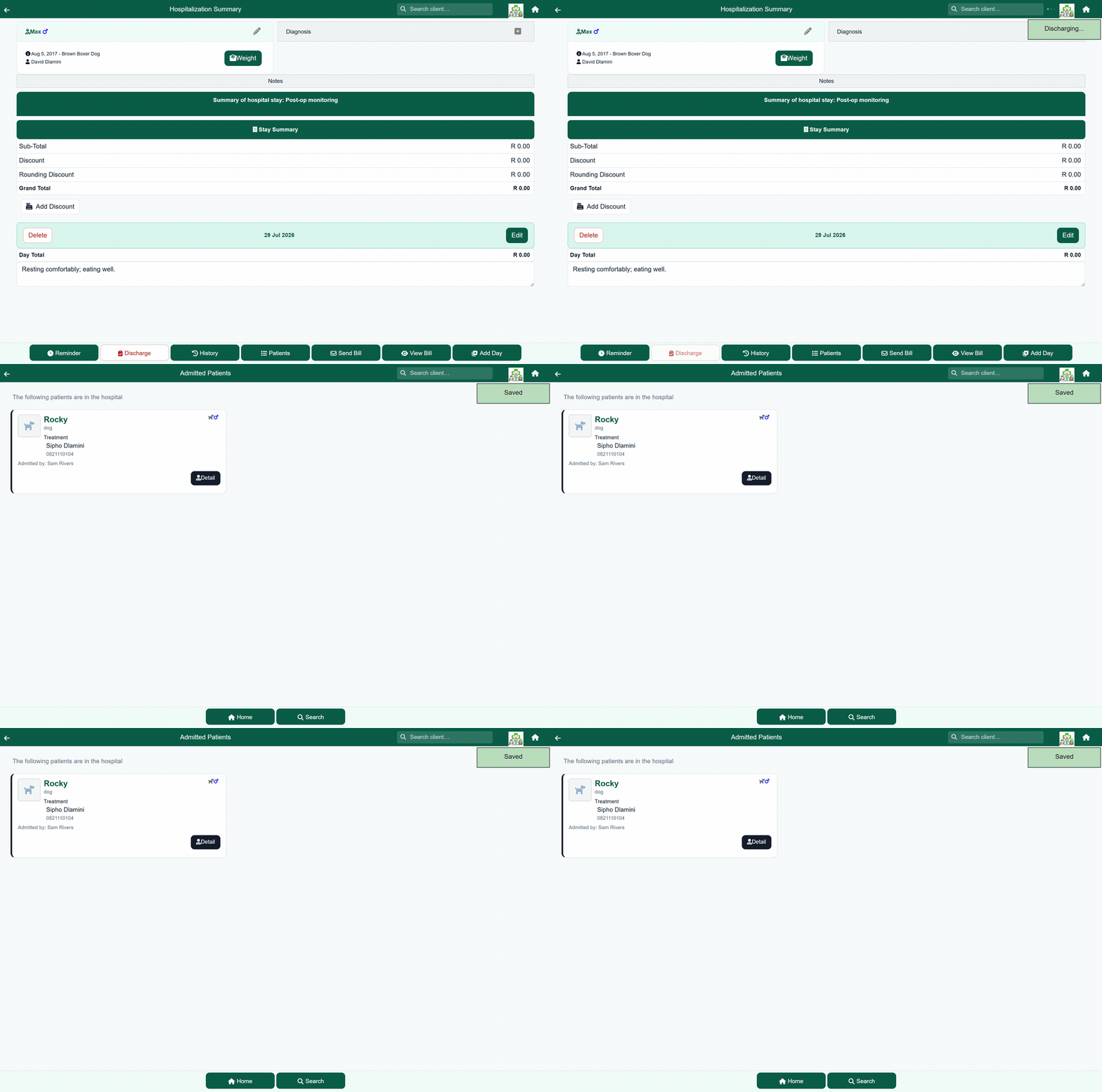
- Open the admission and review the summary.
- Press Discharge.
- The invoice opens, ready to share with the client.
Discharging closes the stay, posts the total to the client's account as one charge dated the last day of the stay, and puts the client on the payment queue.
Re-admitting after a mistaken discharge#
Re-admitting reopens the stay and reverses its charge, so you can carry on adding days and discharge again later.
Home›Search Client›the client›Statement›the hospital charge›Readmit