
Help Centre › Stock & pricing
Price groups
Staff rates, pensioner discounts, rescue rates: a named rate, set separately for each kind of item, that whoever is charging can pick anywhere in FastVet.
A price group is a named rate you can charge a client at instead of your everyday prices. You set it up once, and it is then a button beside the price wherever an item is charged.
Practices use them for:
- Staff: goods at cost, services at half price.
- Pensioners: a standing percentage off everything.
- Rescues and charities: a reduced rate for organisations you support.
- Owners and family: goods at cost, services free.
A group holds a separate rate for each kind of item in your price list, because that is how practices actually describe them. "Staff pay cost on goods and half price on services" is two rules over two kinds of item, and one number could never say both.
How the price is worked out#
Each kind of item is set to one of three things:
| Rate | What the client pays | Use it for |
|---|---|---|
| Normal price | The price list price, untouched. This is what an unset kind does. | Anything the group does not discount. |
| Discount % | The price list price, less that percentage. | What you promise a client: "30% off", "half price on services". |
| At cost | What the item cost you, plus VAT. | Staff buying at cost. |
| Markup % | The cost, plus that percentage, plus VAT. The price list price is ignored. | A margin you set deliberately, rather than a discount off a price. |
So Lovemore Park's staff rate, as an example, is goods at cost and services at half price:
| Kind | Rate |
|---|---|
| Materials, Treatment, Lab | At cost |
| Procedure, Protocol | Discount % 50 |
A worked example, on a dental scale and polish that cost you R326.09 and sells for R750.00:
| Charged as | Sum | Client pays |
|---|---|---|
| Normal | the price list price | R750.00 |
| A 30% discount | R750.00 less 30% | R525.00 |
| At cost | R326.09, plus VAT | R375.00 |
| A 25% markup | R326.09 x 1.25 = R407.61, plus VAT | R468.75 |
| Custom | whatever is typed | anything |
A discount never sells below cost#
A big discount can easily come out under what the item cost you. A bag of food that cost R100 and sells for R126.50 is R63.25 at half price, which is a R45 loss on every bag.
So a discount stops at cost. Where the full discount would go below it, the line is charged at cost instead and says so under the price.
A markup is not stopped, because a markup of 0% or more cannot fall below cost in the first place, and a negative one is a deliberate instruction to sell under it.
Creating a price group#
Home›Settings›Price Groups
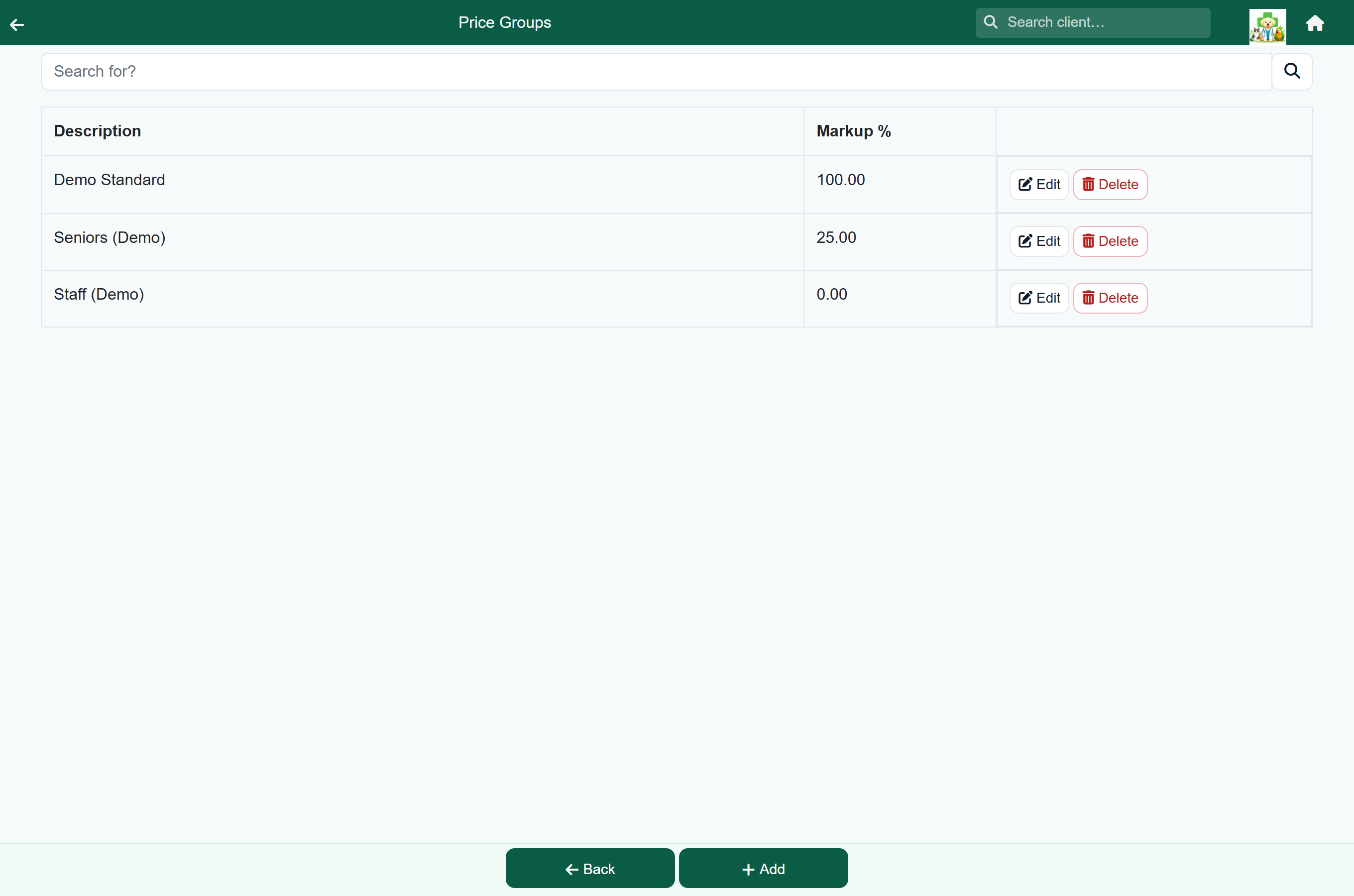
- Choose Price Groups on the Settings menu.
- Press Add.
- Enter a Description: this is the label staff see on the button, so keep it short. "Staff", "Pensioners", "SPCA".
- For each kind of item, choose the rate and enter the percentage.
- Press Save.
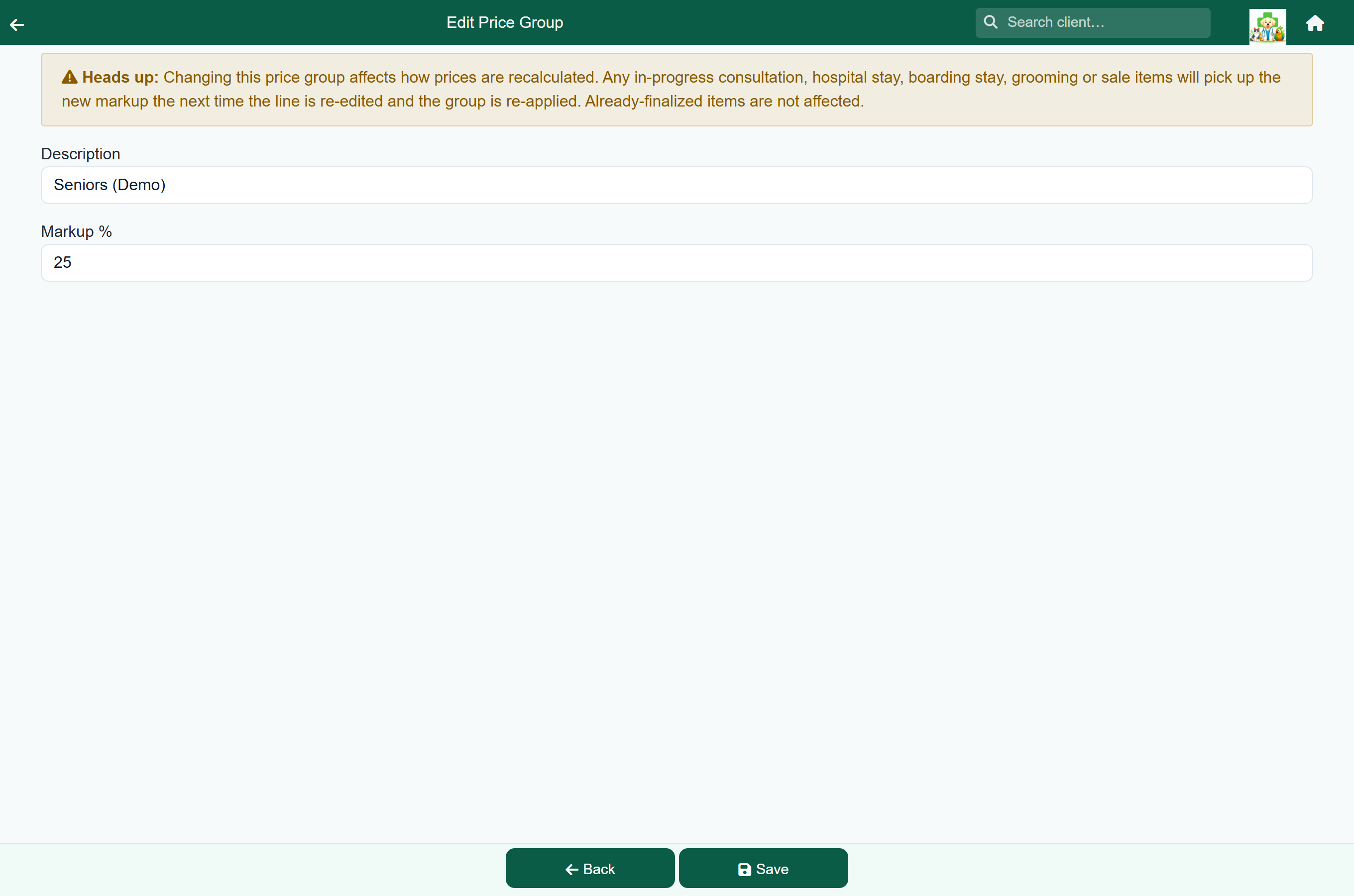
As you type a percentage, the screen tells you what it would do to your own price list: how many items the discount would take below cost and hold there, or how many have no cost price and would be charged nothing. A rate that sounds survivable often is not, and this is the moment to find that out rather than on an invoice.
Charging at a group rate#
The buttons sit beside the price wherever an item is charged.
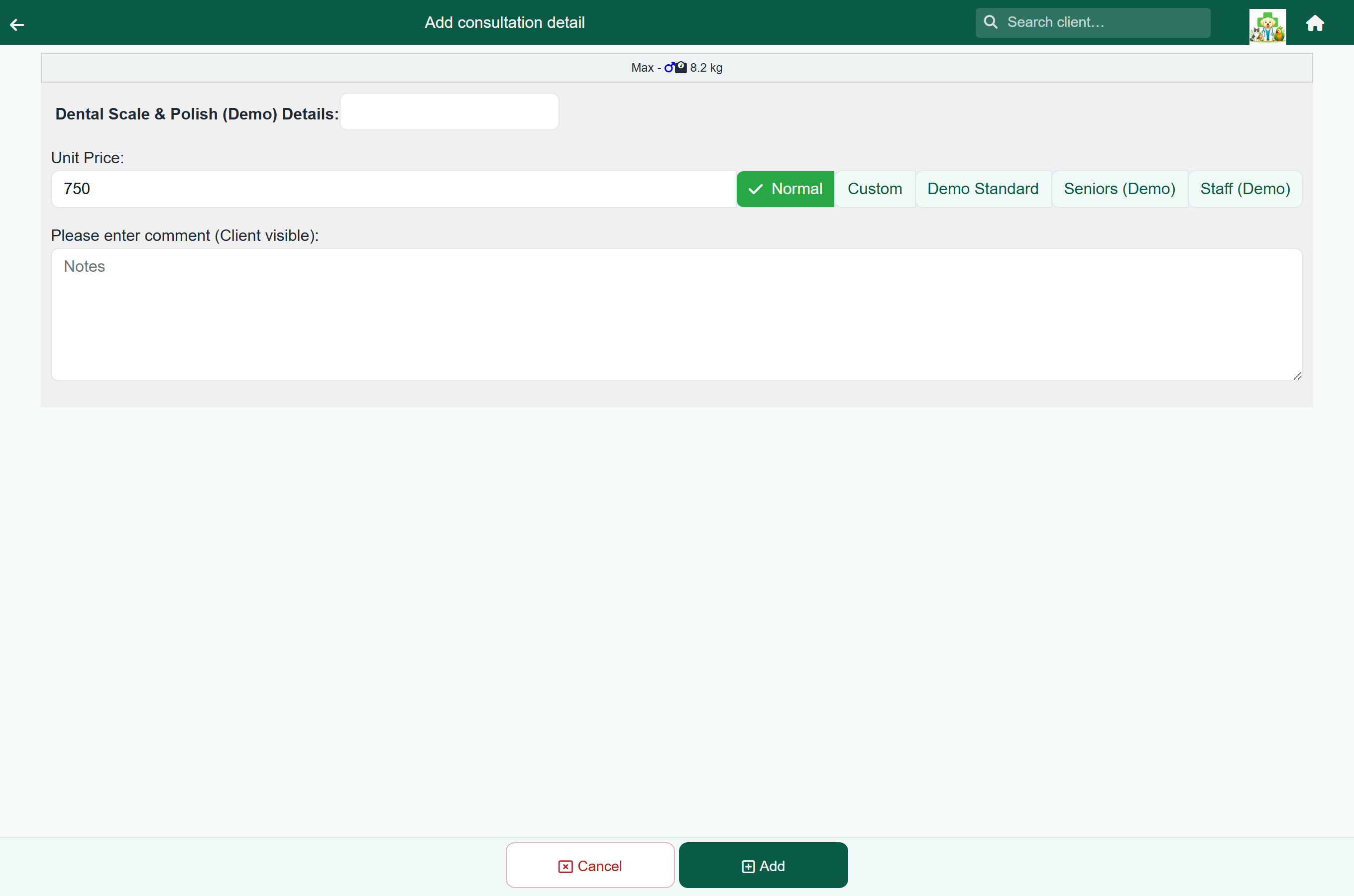
- Charge the item as usual.
- Tap the button for the rate you want. The price updates immediately.
- Press Add.
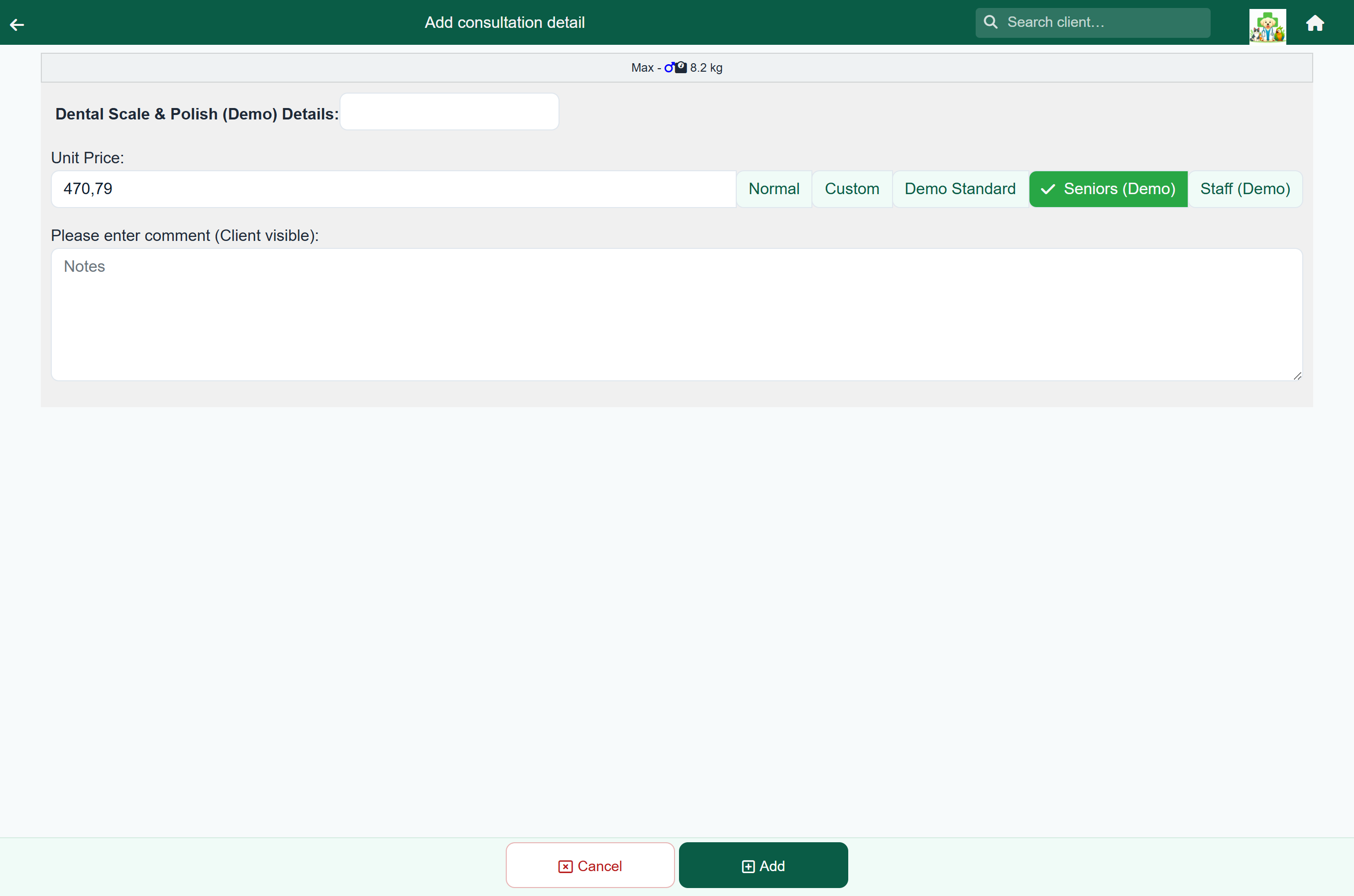
| Button | Does |
|---|---|
| Normal | The everyday price list price. This is the default; tap it again to go back to it. On a protocol that the price list prices from its items, Normal is the sum of those items. |
| Custom | Lets you type the price for this one charge. |
| Each price group | Charges that group's rate for this kind of item. |
The buttons appear everywhere FastVet charges an item:
- Consultation items, and the Protocol Charge.
- Counter sale items.
- Hospital and boarding day items.
- Grooming items.
- Quote lines.
Giving a client a standing rate#
To put a client on a rate permanently, open their record and, under Account, set Default Rate to the price group. Every new line is then priced at that rate, and the line says "Charged at group, this client's usual rate."
| Question | Answer |
|---|---|
| Which lines does it apply to? | Every new line on a consultation, a hospital or boarding day, a groom, a quote and a counter sale, including the Protocol Charge. Staff can still tap a different button on any line. |
| Does it change lines already charged? | No. A charged line keeps its price, and reopening it shows the button it was charged at. |
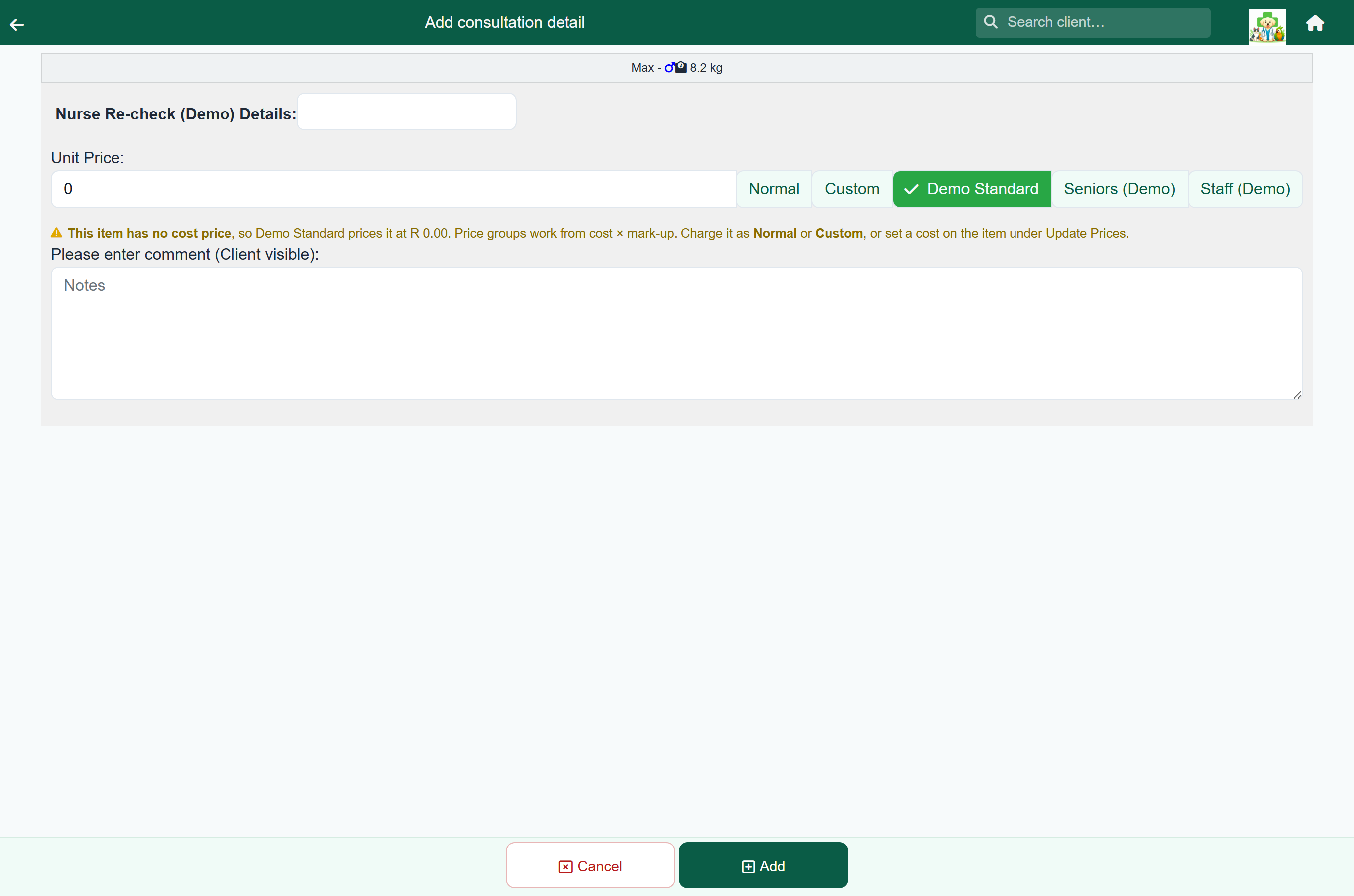
| What about an item with no cost price? | Under a markup rate it is left at its normal price, so it is not charged at R0.00. A discount rate applies to it normally. |
| What about a kind the rate does not cover? | The line keeps the price list price, and nothing is said on it. The rate is only announced where it changed something. |
| Does the client see which rate they got? | No. The invoice shows the amount, not the group. |
| Can a client be on a rate for some visits and not others? | The rate applies to all of them. For a one-off, change the line. |
Seeing what you gave away#
There is no report of discounts given by price group. To keep an eye on what a rate costs you:
- Compare the category summary report month to month.
- Compare the stock used report against income, for product-heavy discounting.
- Review the group's rates from time to time, as you would any other price.
Before you rely on them#
- Every kind of item is set deliberately, including the ones you left on Normal price.
- Cost prices are filled in on anything you charge at cost or at a markup. No cost means R0.00.
- The names are clear on a button.
- There are only a few groups.
- Clients who always get a rate have it set as their Default Rate.
- The rates are reviewed like any other price.