
Multi-device
Use FastVet anywhere - desktop, tablet, or phone. Nothing to install, with your whole team working from the same data in the cloud.
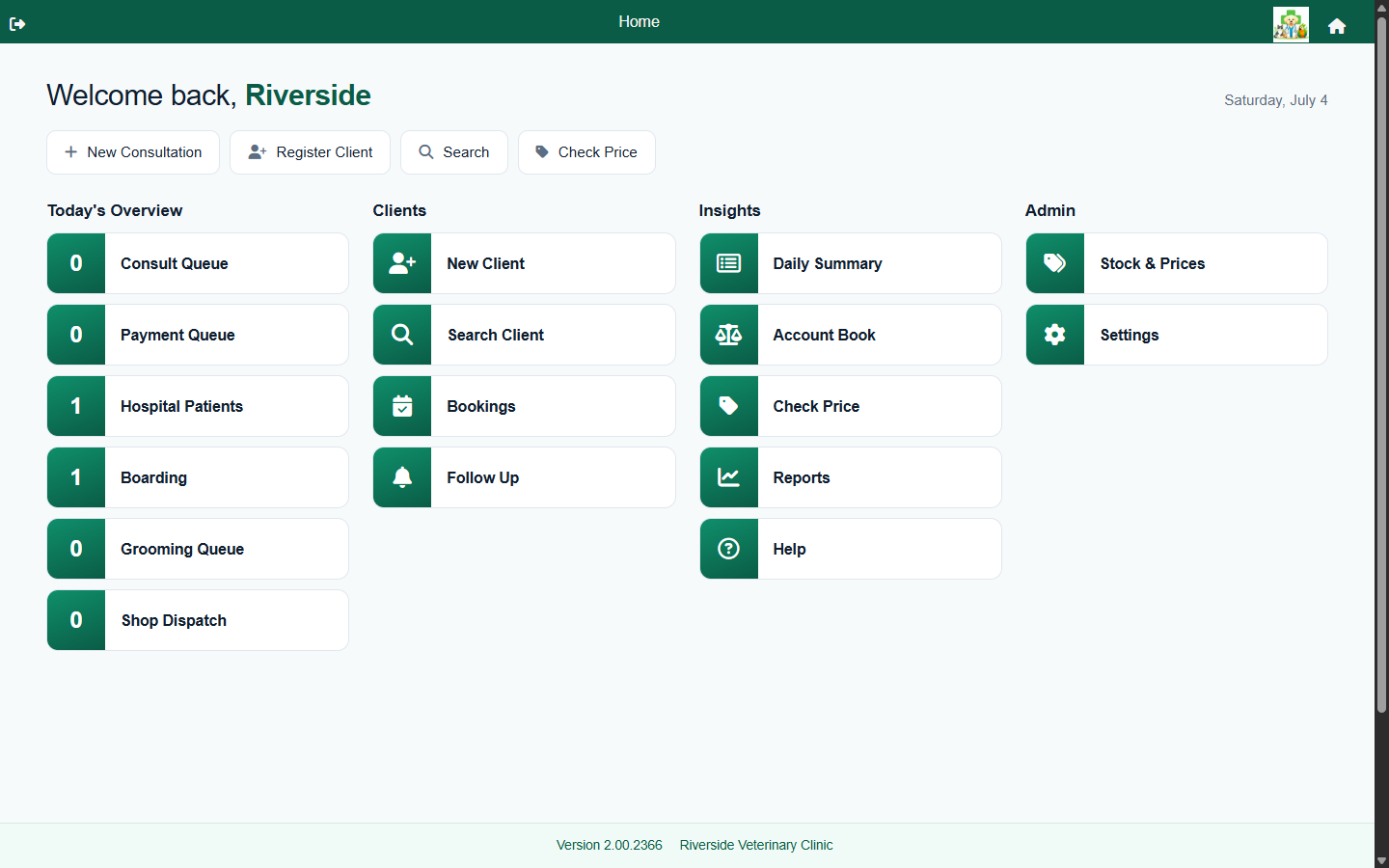
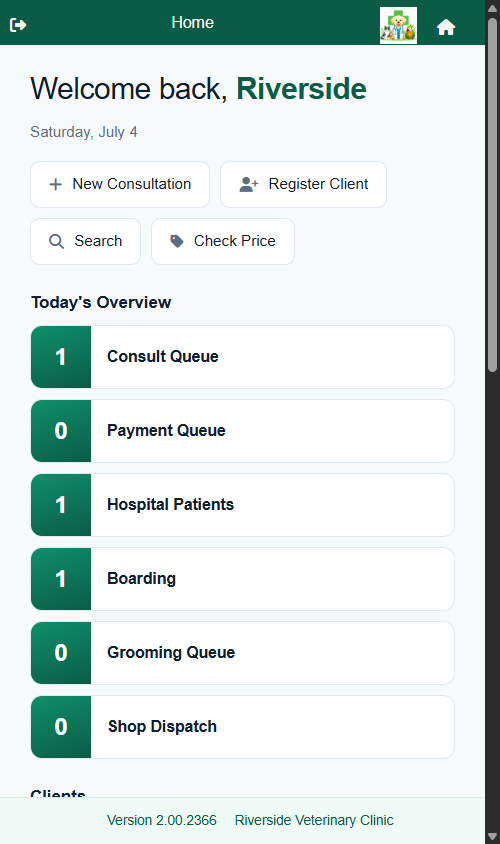
One system, every device
FastVet is a cloud application that runs entirely in a modern web browser - Chrome, Edge, Safari, or Firefox - on a desktop at reception, a laptop in the office, a tablet in the exam room, or a phone on a house call. There's nothing to install, no local server to maintain, and no backups to run yourself. It's one application delivered everywhere: there's no separate, stripped-down "mobile app" to keep in step - the whole of FastVet is available on every device.
Responsive layouts
- Touch-friendly layouts for tablets, sized for use next to a patient.
- Screens that reflow for smaller displays so the app stays usable on a phone.
- The same features on every device - nothing is removed on mobile.
Nothing to install or maintain
Because FastVet is delivered as a hosted web app, upgrades happen automatically on the server side. Your team is always on the latest version, with new features and fixes appearing without a download, an install, or a maintenance window. There's no practice server sitting under a desk to keep patched, powered, and backed up - your data lives in the cloud and is managed centrally.
- Automatic updates - everyone is always on the current release.
- No on-site server, no manual backups, no IT call-out for upgrades.
- Secure access from the clinic, from home, or on the road.
One shared, central record
Everyone in the practice works from the same central data in the cloud. When the vet saves a note on a tablet in the consult room, it's stored centrally straight away, and the front desk picks it up the next time they open that patient or refresh the screen. Role-based access means each team member sees the screens and actions relevant to their job, and every practice's data stays isolated behind an industry-standard Auth0 login.
Frequently asked questions
Do I need to install an app?
No. FastVet runs in any modern web browser with the full feature set on every device. There's nothing to download from an app store and nothing to install on your computers.
Which devices and browsers are supported?
Any recent version of Chrome, Edge, Safari, or Firefox on desktop, laptop, tablet, or phone. Because it's browser-based, FastVet works the same across Windows, macOS, iPad, and Android.
Do I need my own server or backups?
No. FastVet is hosted in the cloud, so there's no practice server to run and your data is managed and backed up centrally. Updates are applied automatically - you're always on the latest version.
Does it work offline?
FastVet needs an internet connection to load your data and save changes. A reliable connection at the practice is all that's required.